
TTSFree AI
TTSFree AI: Convert PDF to Speech in Bulk to MP3 & WAV for Free
Realistic AI voices that turn documents into natural-sounding audio in minutes.
14-Day Full Access
No Credit Card Required
Windows & macOS
Convert PDF to Voice with No Limits
TTSFree AI is a PDF voice reader built for heavy use. You can convert PDF to speech without character caps, daily quotas, or file restrictions.

Unlimited Text Length
Paste or import entire books or technical manuals. Our PDF audio reader processes any document length in one go with zero character truncation.

Unlimited Conversions
Turn as many documents into audio as you need. There are no daily conversion limits and no hidden paywalls, whether you are on the free trial or a paid plan.
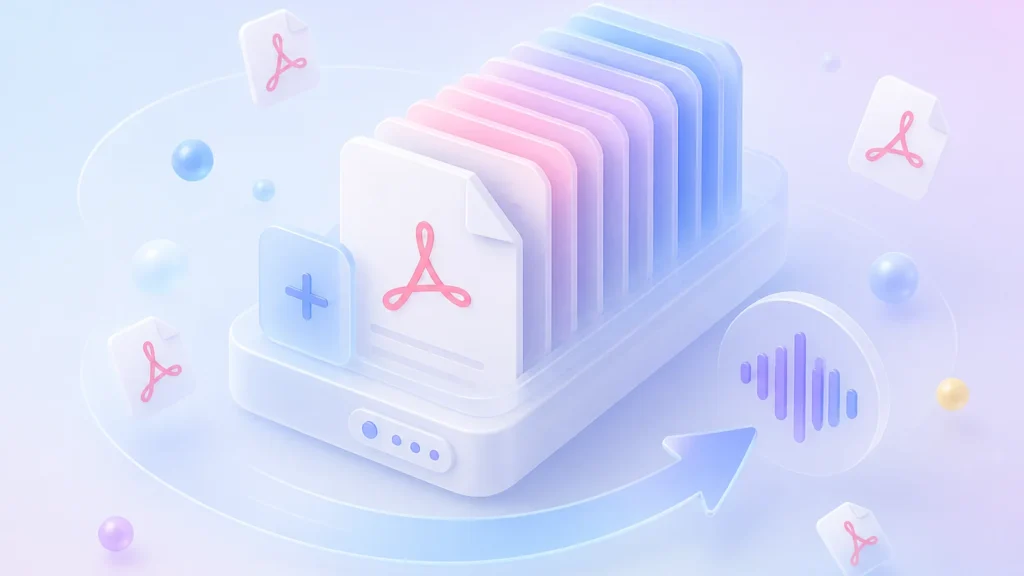
Unlimited File Uploads
Batch convert dozens of PDFs at once. Whether it is 1 file or 100, PDF to audio conversion stays fast and unrestricted.
Read PDFs with Realistic AI Voices Across Different Languages
TTSFree AI is a PDF voice reader that sounds genuinely human. Choose from 200+ natural voices in 50+ languages for your PDF to speech conversion and enjoy an immersive listening experience without any robotic tone.

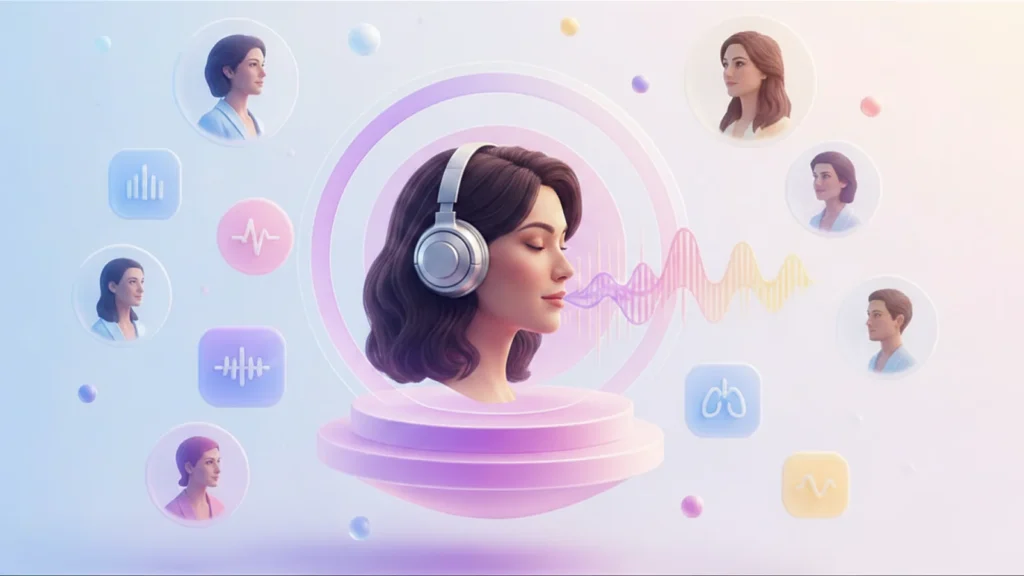
200+ Human-Like Voices
Every voice in our PDF audio reader library is crafted to capture natural intonation and emotion. You will hear real breathing pauses and dynamic pacing instead of flat synthetic speech.
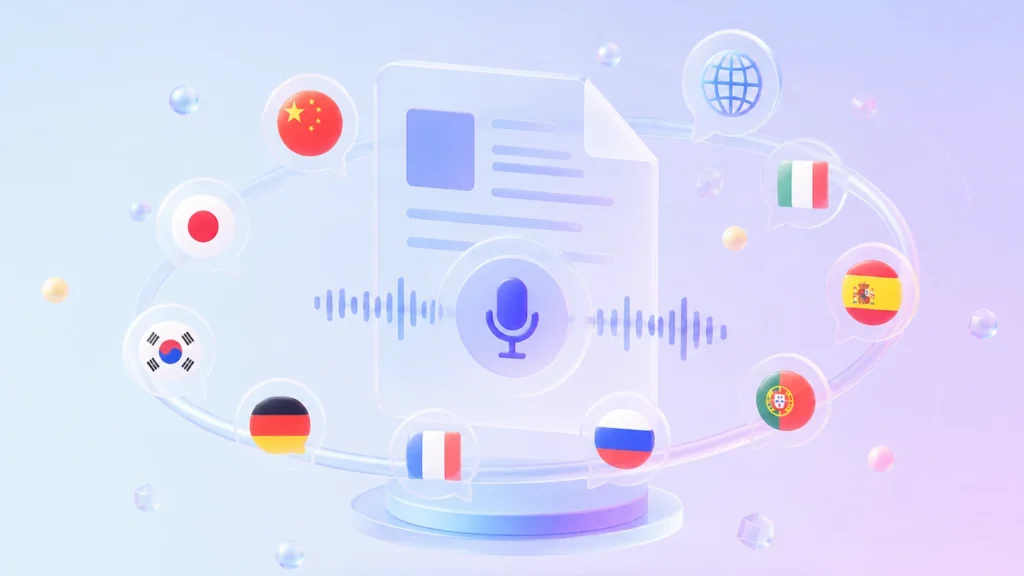

50+ Language Support
Speak naturally in English, Chinese, Japanese, Korean, German, French, Russian, Portuguese, Spanish, Italian, and more. This PDF audio reader maintains authentic pronunciation and cultural nuance across every supported language.
Design Your Perfect PDF Speaker with Custom Voice Styles
TTSFree AI transforms PDF text to speech into a personalized experience. Create unique voices by typing a prompt or refining built-in options to match your exact tone, pace, and emotion preferences.
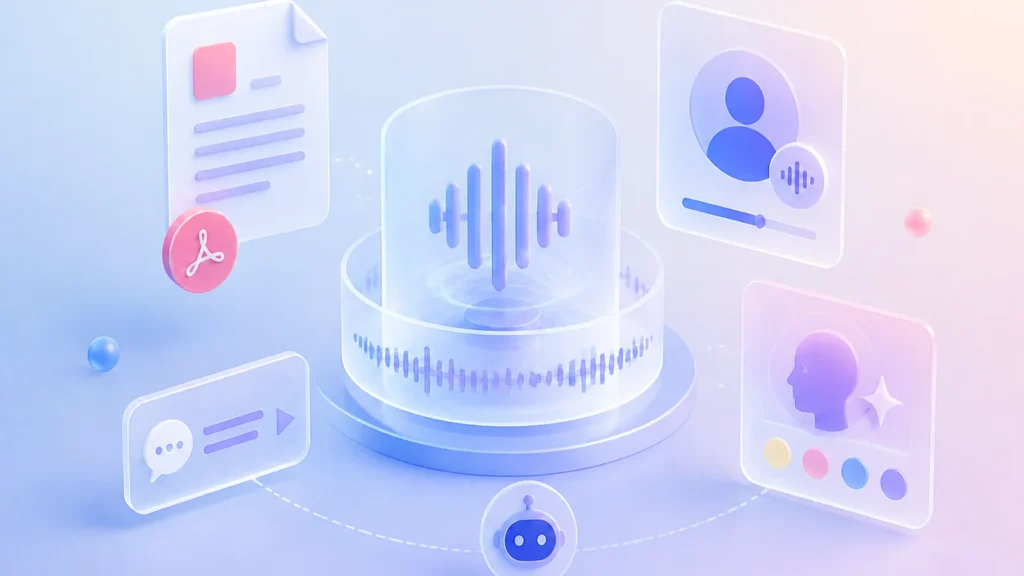

Clone Your Voice for TTS
Record a short audio sample to create a personalized voice model that sounds authentically like you. This custom voice integrates seamlessly with all text to speech features, allowing you to generate consistent narration, audiobooks, or video voiceovers in your own tone without repeated recording sessions.

Create Voices from Scratch
Describe the voice you imagine in plain language, and our PDF to audio reader will generate it instantly. Specify age, gender, accent, or even emotional texture like warm storytelling or crisp news anchoring without any technical setup.
Refine Built-In Voices
Start with any of our 9 preset voices and adjust them via prompt commands. This flexible read PDF out loud workflow lets you tweak intonation, speed, or emphasis while keeping the natural foundation of professional voice models.
Convert PDF to MP3 or WAV for Any Listening Need
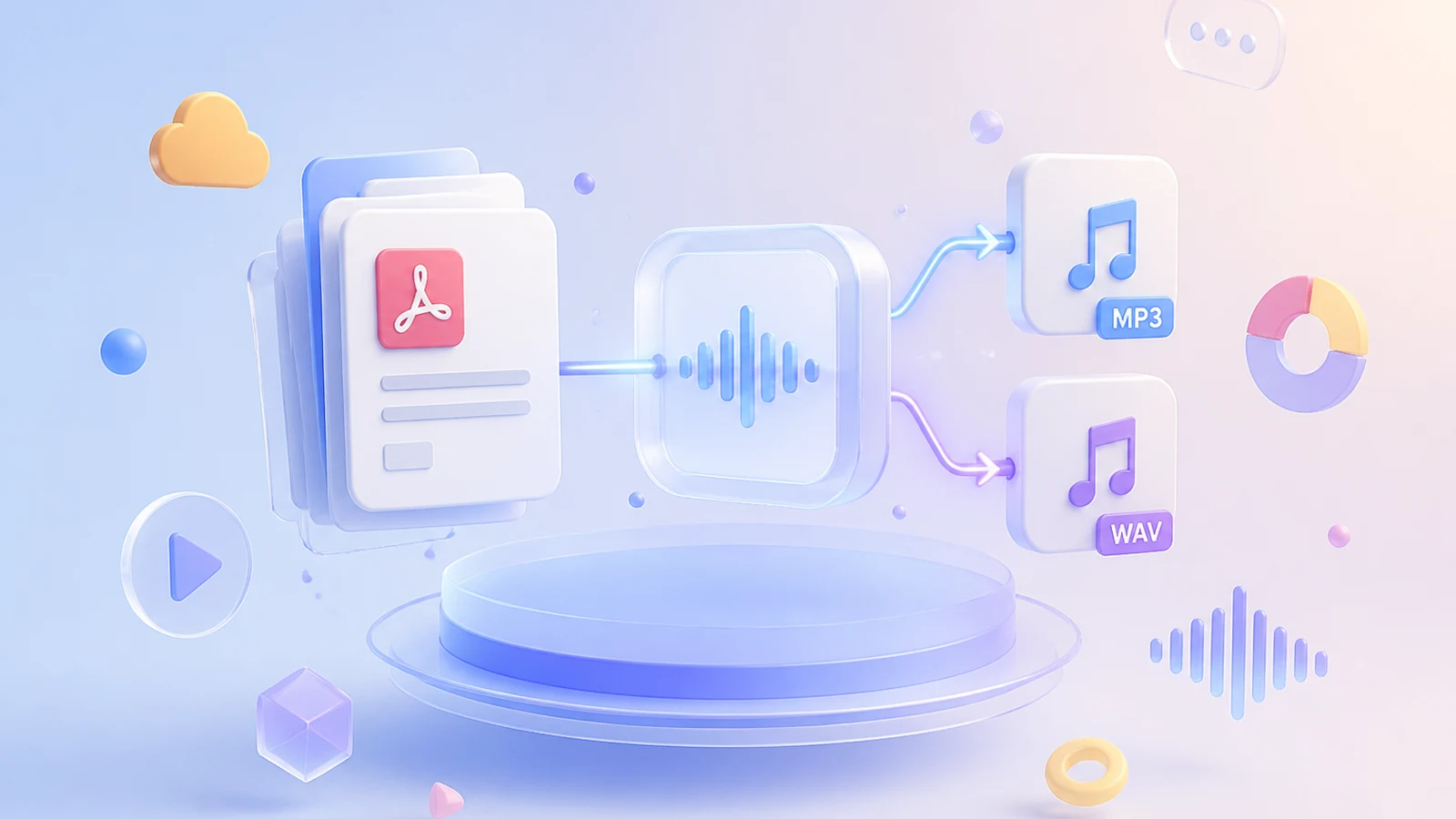
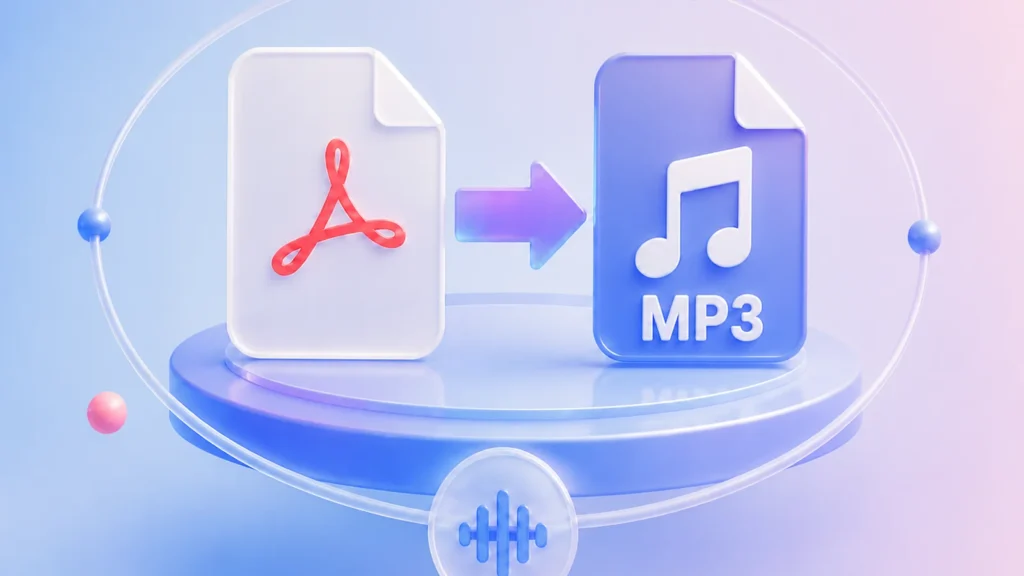
TTSFree AI gives you full control over PDF to audio output. Export your files as compact MP3 for on-the-go listening or pristine WAV for professional production, all from a single PDF to speech workflow.

MP3 for Everyday Listening
Our PDF to MP3 conversion delivers optimized file sizes without sacrificing vocal clarity. Perfect for podcasts, language learning, or commuting where storage and bandwidth matter more than studio-grade fidelity.
WAV for Professional Use
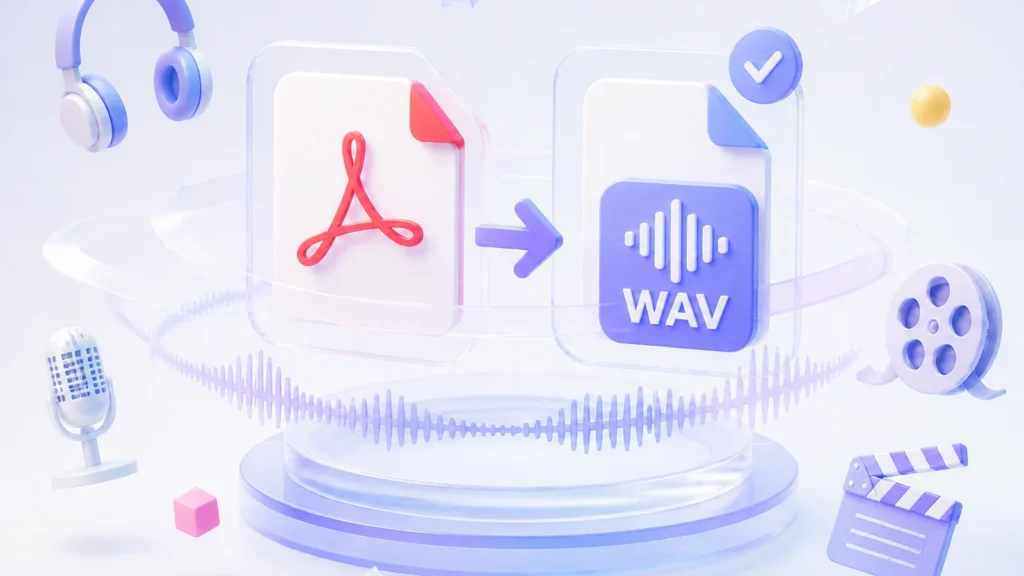
Choose PDF to WAV when you need uncompressed, lossless audio. This format preserves every nuance of the AI voice for audiobook mastering, video narration, or any post-production workflow.
M4A/M4B for Audiobook Publishing
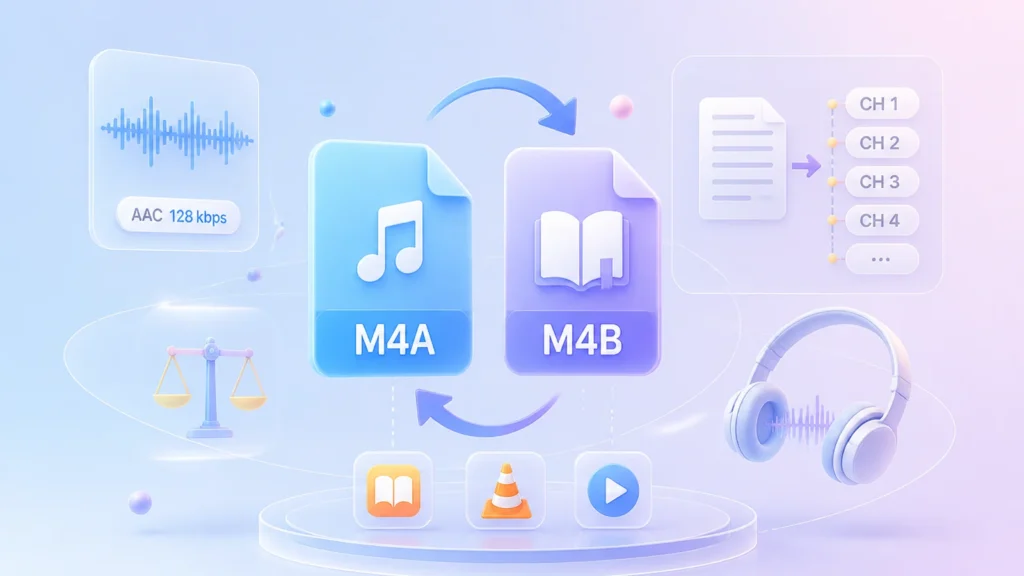
Export in M4A (AAC 128 kbps) for balanced quality and file size, or choose M4B to create true audiobooks with auto-generated chapter markers—each paragraph becomes a navigable chapter. Fully compatible with Apple Books, VLC, and other major players for seamless chapter jumping and playback.
Ensure Privacy and Speed with Offline Text to Speech
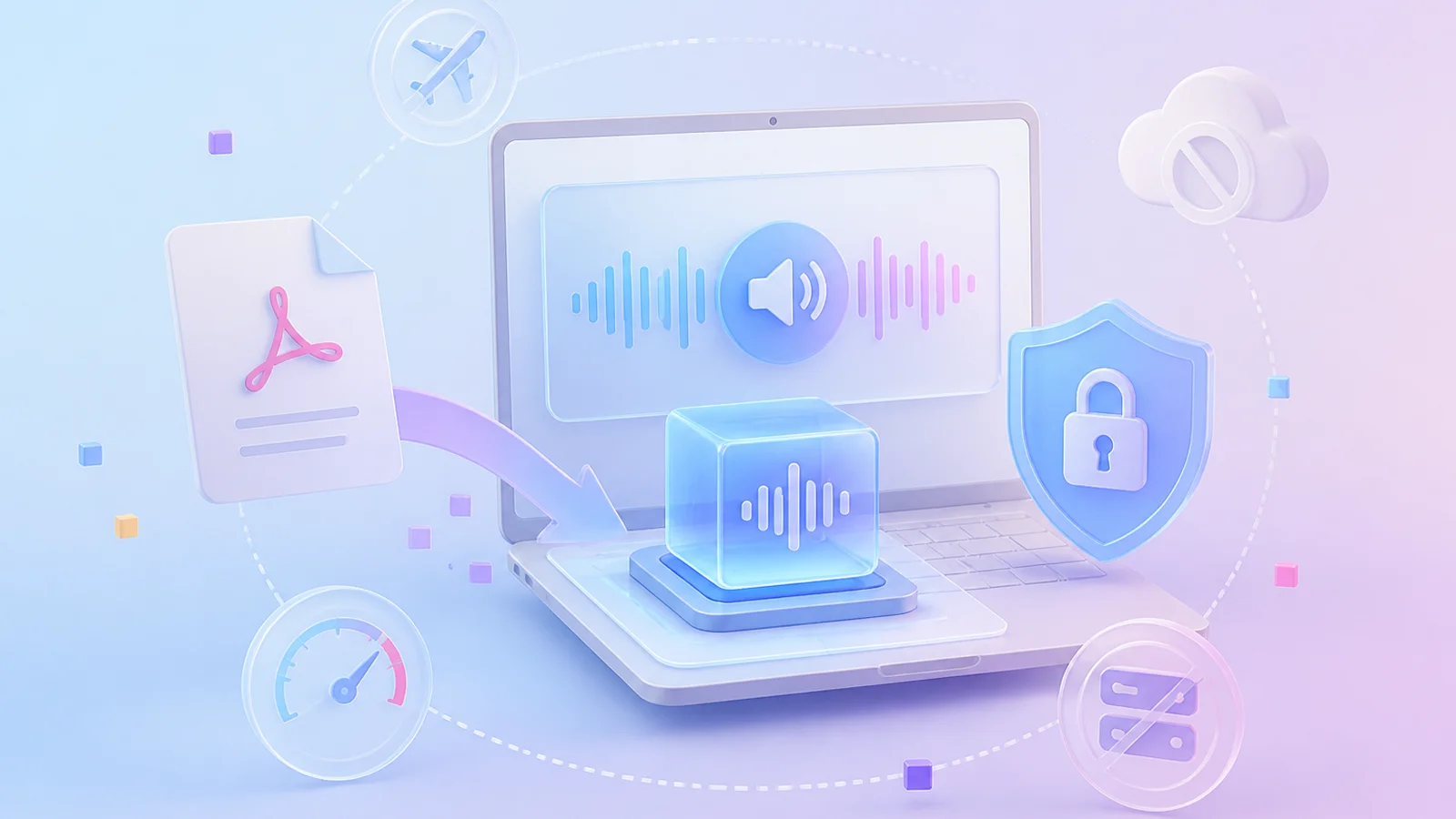
Get a secure alternative to online text to speech services that keeps all documents on your device. After some necessary resource downloads, our PDF text to speech engine synthesizes audio locally with zero cloud dependency, guaranteeing complete privacy and instant generation without server queues.
Transform PDFs into Audio Across Every Scenario
From daily commutes to professional research, our PDF text to speech engine adapts to how you actually consume documents. Unlike generic text to speech online tools limited to browser tabs, this local-first pdf reader with built-in TTS turns any document into actionable audio. It supports everything from a hands-free pdf to audiobook experience to secure text to audio conversion for sensitive files.

Commute Hands-Free with PDF to Audiobook Conversion

Review Sensitive Documents with Secure Text to Audio
Accelerate Research with Read PDF Out Loud Multitasking
Access Content Universally with Built-In PDF Reader TTS
More Than a PDF Voice Reader
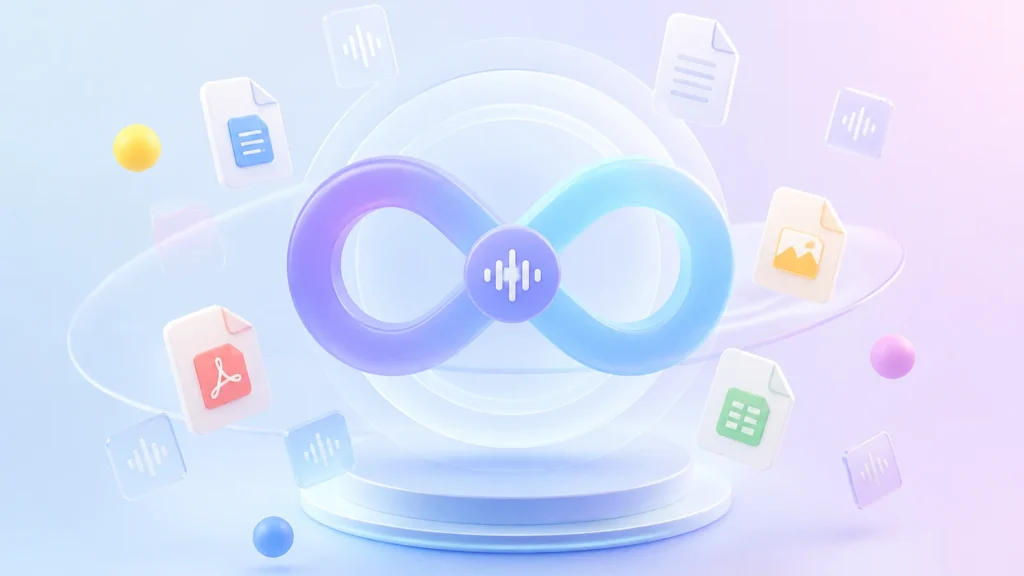
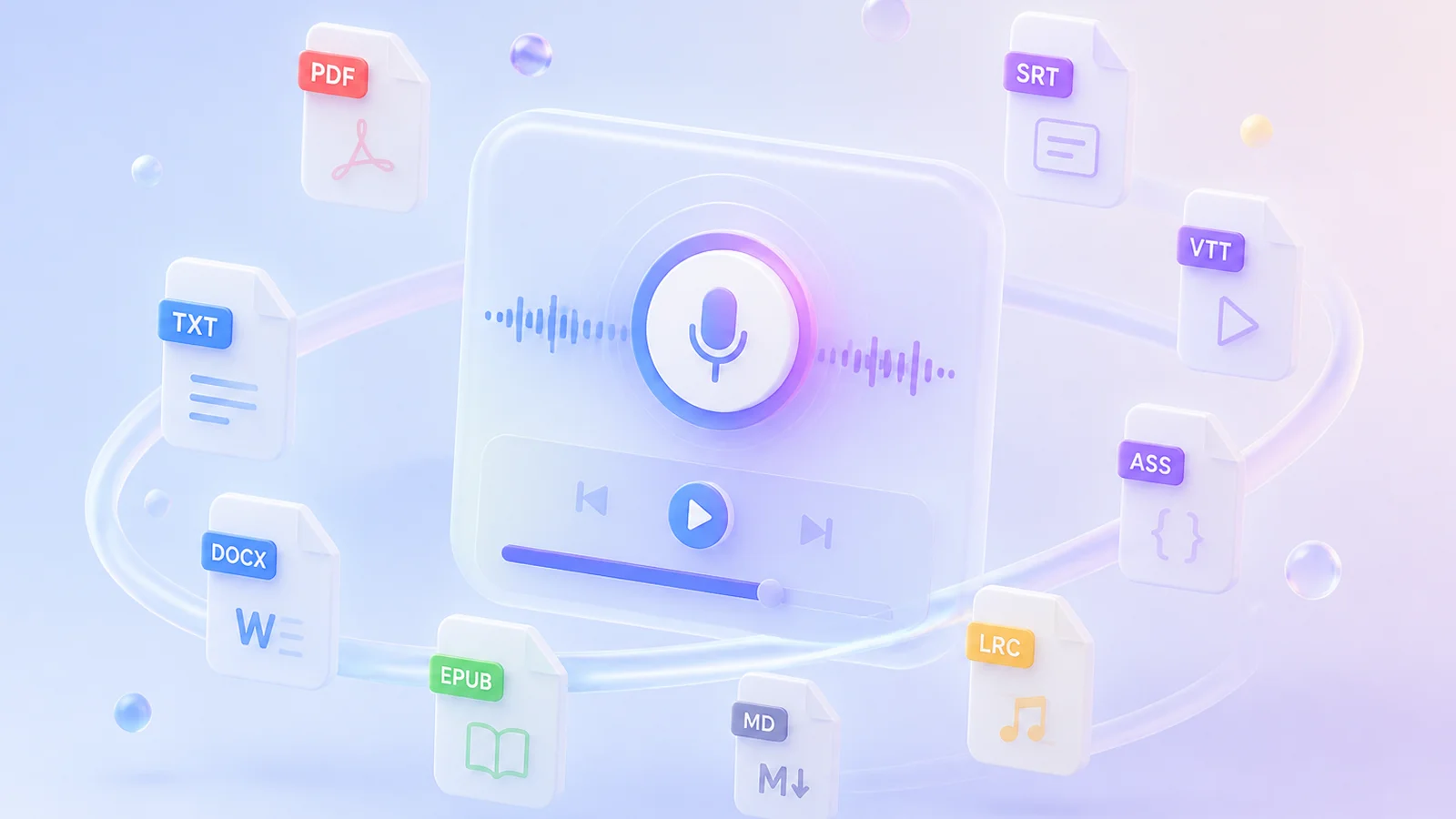
TTSFree AI is an all-in-one text to speech reader that goes far beyond PDFs. It also reads TXT, DOCX, EPUB, Markdown, and subtitle files like SRT, VTT, ASS, and LRC aloud, keeping all your content in one seamless listening experience.
Choose Our PDF Reader for Fast and Private Text to Speech
Enjoy fast, private text to speech alongside seamless format support, offline listening, and one-click audiobook export. Our PDF reader brings all these features together in a single, easy-to-use tool without ever uploading your files.
OCR Scanned PDF Support
Convert both standard text-based documents and scanned image PDFs into clear audio without extra tools.

Batch Conversion
Transform multiple documents at once with our PDF to audio converter. Process entire libraries in a single click without file limits or waiting queues to make bulk PDF text to speech faster than ever.

Uncompromising Privacy
Your content never leaves your device as all speech generation runs 100% locally. This ensures sensitive documents remain completely secure while you use the PDF voice reader without any cloud uploads.

Natural Voice Library
Access over 200 premium AI voices across 9 languages that adapt tone and emotion to match your text.

Powerful AI Models
Switch between high-fidelity and lightweight models that feature deep semantic understanding and intelligent prosody control.

Universal Compatibility
The app runs seamlessly on Intel, AMD, and Apple Silicon CPUs as well as NVIDIA and AMD GPUs.
How to Convert PDF to Speech
Turn any document into audio in three simple steps with our PDF text to speech tool. Import your file, select a voice from the library, and export high-quality audio instantly using the built-in PDF to audio converter without ever leaving the app.
1
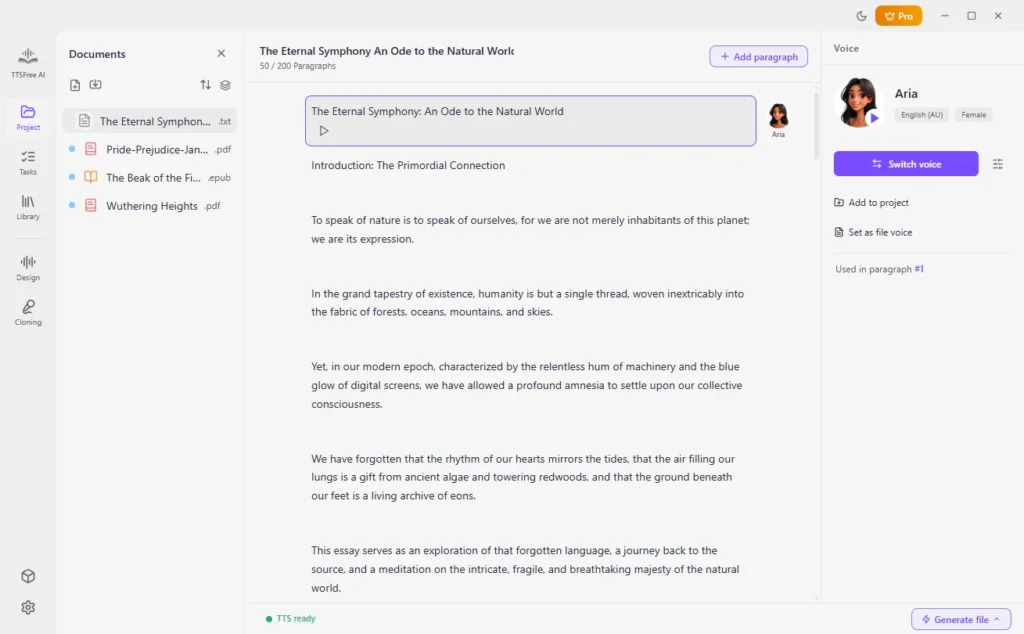
Step 1: Import Your PDF File
Open an existing project or add a new PDF file directly to your workspace.
2
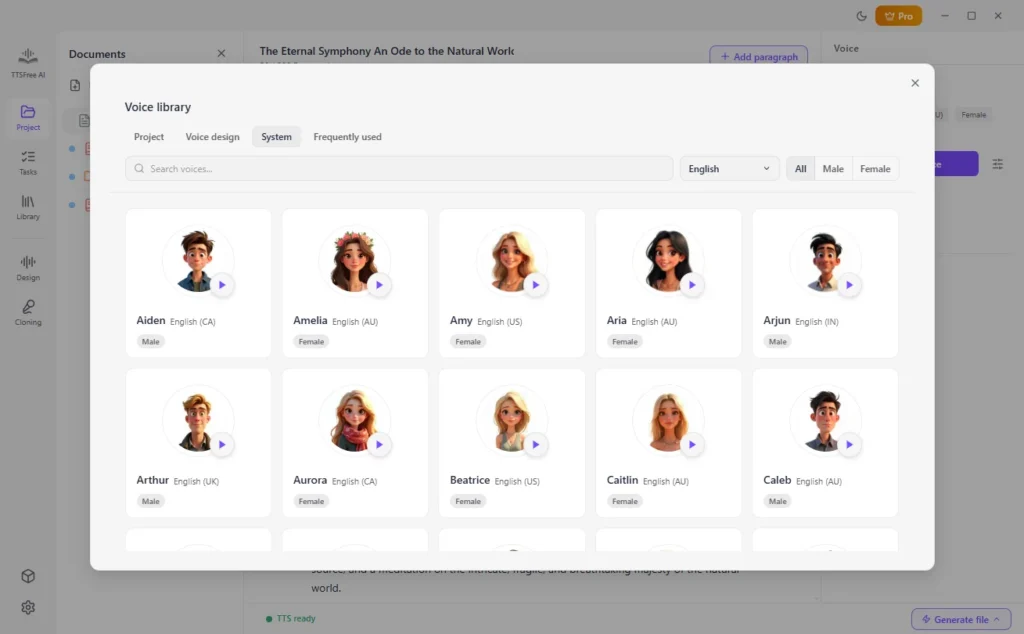
Step 2: Choose Your Preferred Voice
Select one or multiple voices from the natural voice library to match your content.
3
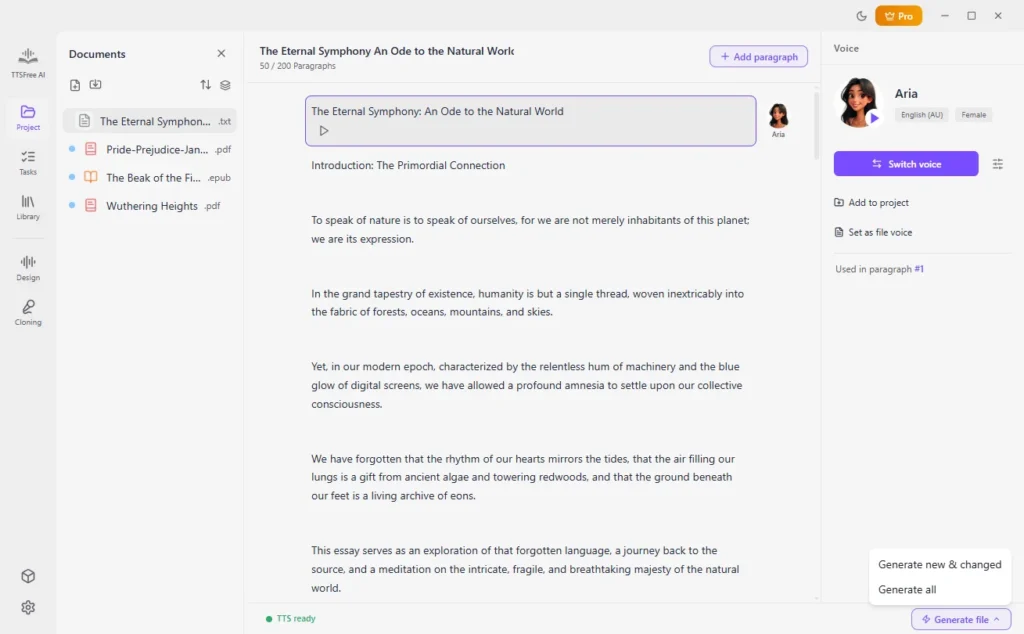
Step 3: Generate Audio Instantly
Click “Generate File” and then “Generate All” to start converting your PDF to audio.
Frequently Asked Questions About This PDF Voice Reader
Everything you need to know about converting documents to audio.
How to convert PDF to audio for free?
Download the app to start a full-featured 14-day free trial with no credit card required and zero restrictions. Simply install the desktop client, import your PDF files, select your preferred voice, and click convert to generate audio instantly.
How to convert PDFs to audiobooks locally?
Import your PDF files directly into the desktop app and generate audio entirely on your own hardware without relying on internet connectivity or cloud services. The local AI engine processes everything offline, giving you permanent ownership of the generated audiobook files with no recurring fees or usage limits.
Is my document data safe during PDF to audio conversion?
Absolutely. All speech generation runs 100% locally on your device, meaning your files never leave your computer or get uploaded to any cloud server, guaranteeing complete privacy for sensitive documents.
Can I convert multiple PDFs to speech at once?
Yes, that is exactly what the Tasks feature was built for. You can queue up as many PDF files as you like and let the batch processor handle them sequentially in the background.
What voices are available for PDF text to speech?
All 214 built-in AI voices across 9 languages are included out of the box with natural intonation and emotional range. You can also use the Voice Design feature to create custom AI voices tailored to specific tones, accents, or pacing preferences that match your unique content needs.
How to convert PDF to MP3?
Before you convert PDF text to speech, head to Settings and select MP3 as your preferred output format. Then return to your project and click the Generate icon to instantly export the audio file in MP3 format, ready for playback on any device or media player without additional conversion steps.