

TTSFree AI
Free AI Voice Design: Generate Custom TTS Voices for Characters with Prompts
Your Characters, Your Rules, Your Unique Voices.
14-Day Full Access
Available for Windows & macOS
No Credit Card Required
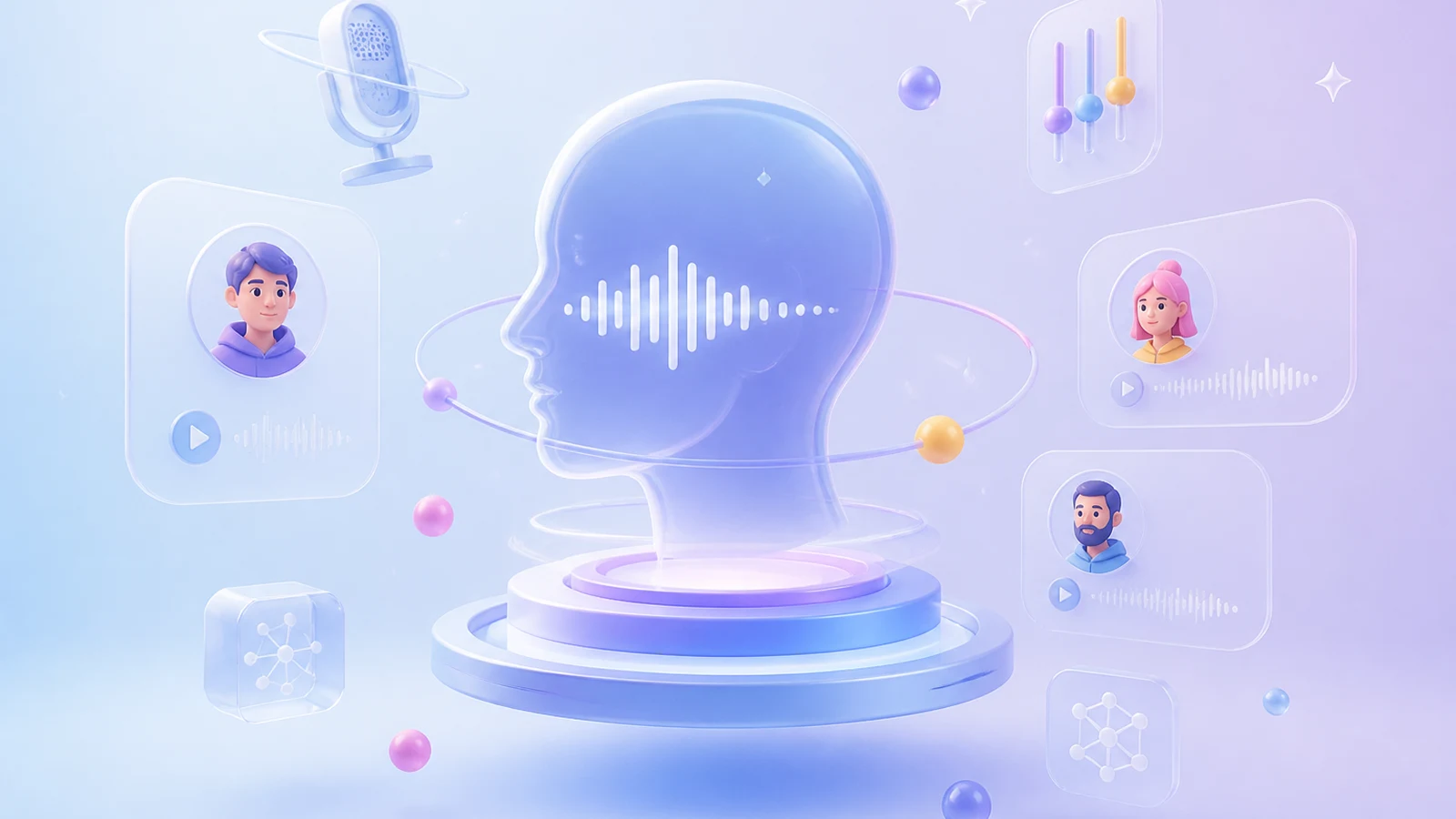
From Text Prompt to Unique Voice
Don’t settle for generic presets. Simply describe the exact personality, tone, and emotion you want in plain text, and watch our AI instantly craft a brand-new voice tailored just for your characters. You are the director—just type it, and we’ll bring it to life!

Excited
The voice is that of a passionate young man, full and powerful, with a fast pace and distinct intonation. The voice is high-pitched and penetrating, suddenly increasing in volume when speaking to key words, and the overall rhythm is rapid and jumpy, conveying a sense of eager excitement.

Happy
The voice is that of a vibrant young girl, with a moderately bright volume and a brisk, natural pace. The tone is clear and bright, with a slight upward inflection at the end, as if each word is spoken with a smile. The rhythm is elastic and highly engaging.

Confused
The voice is neutral to soft, with a slightly low volume and a speaking speed that varies from fast to slow, with noticeable pauses and hesitations. There are often brief pauses in the sentences, and the tone at the end of the sentences naturally rises to a questioning tone, giving the overall impression that the speaker is thinking and speaking at the same time, floating and uncertain.

Angry
The voice is that of a mature man, deep and resonant, with forceful enunciation, each word seemingly squeezed out from between his teeth. The speaking speed is deliberately slowed, the volume has a restrained explosiveness, and the pauses between sentences are short and forceful, conveying an overall sense of intense pressure and restraint.

Serious
The speaker is a middle-aged man with a calm and clear voice, speaking at a steady and even pace without significant emotional fluctuations. His volume is moderate, his wording is clear and forceful, his pauses are distinct, and each sentence carries weight. Overall, he conveys an undeniable sense of authority and weight.

Bored
The voice is languid and neutral, low in volume, with a noticeably slow and drawn-out pace. The tone is almost flat, like a straight line, with a slight breathiness, as if spoken casually and without any engagement. The sentences often end with a natural drop in pitch, revealing a strong sense of listlessness.
Fine-Tune Built-in AI Voices with Precision
Want a different vibe? You can easily modify our built-in voices to deliver the exact vocal performance you need, just by adding descriptive prompts.

Deep · Resonant · Authoritative
Lower the pitch and reduce high-frequency brightness. Emphasize chest resonance for a full, warm bass tone. Slow the pace slightly and articulate each word with deliberate weight. Avoid breathy texture and rising inflections. The voice should feel grounded and authoritative — as if the sound rises from deep within the chest, naturally commanding attention.

Sweet · Clear · Bright
Raise the pitch into the mid-to-high range and enhance high-frequency overtones for a clean, airy clarity. Keep the pace light and natural, with crisp articulation that avoids any drag or heaviness. Add a gentle upward lilt at the end of phrases to convey warmth and approachability. The overall effect should feel like sunlight through a sheer curtain — soft yet luminous, pleasant and effortlessly inviting.

Gentle · Emotive · Intimate
Settle the pitch in the low-to-mid range and allow a soft breath texture to come through, creating an intimate, close presence. Slow the pace and leave natural pauses between phrases — as if the speaker is choosing each word with care. Let emotion move gently beneath the surface, softening slightly at key words rather than pushing. Avoid any sharp, overly crisp articulation. The voice should feel like warm water: fluid, enveloping, and deeply reassuring.
Multilingual Voice Design in One Click
With just one click, you can seamlessly design and fine-tune AI voices in 9 different languages.

English

French

German

Chinese

Japanese

Korean

Portuguese

Spanish

Italian
Instantly Ready for Your TTS Workflow
Every voice we generate is seamlessly integrated and instantly ready for text-to-speech use. No complicated setups, no messy exports, just pure and smooth creation. You can use the custom AI voice within TTSFree AI for:
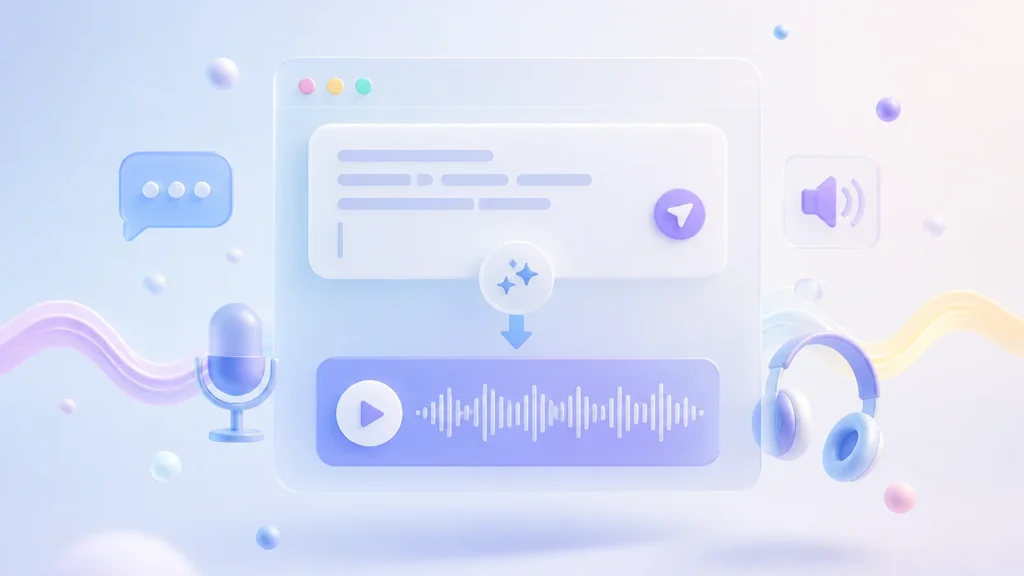
Plain Text to Speech
Instantly convert any text into natural, expressive audio. Just type or paste your words and let our AI bring them to life in seconds.
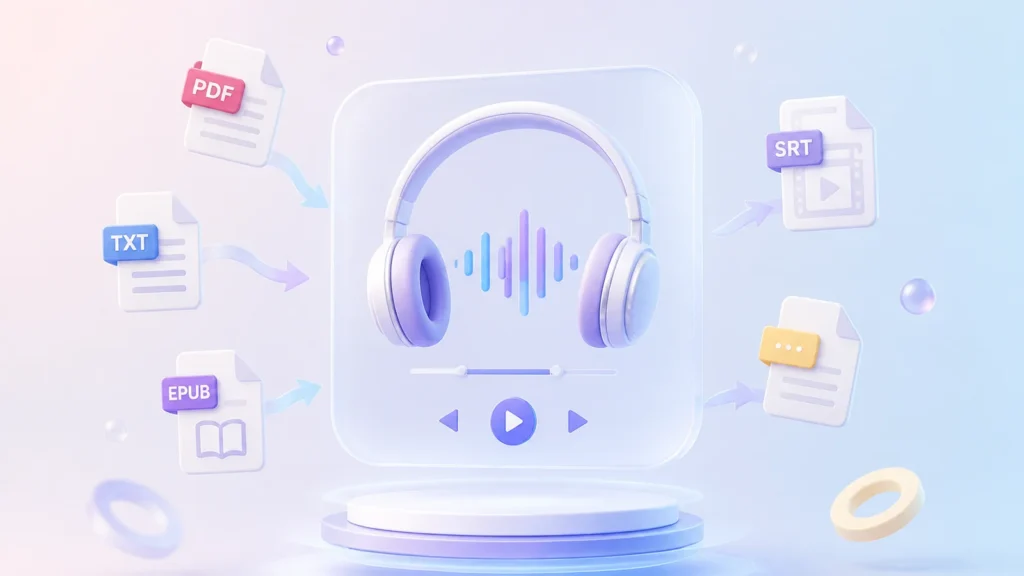
Document to Audio
Upload PDFs, TXT, EPUBs, SRTs, and other file types to seamlessly transform lengthy articles into clear, studio-quality audiobooks.
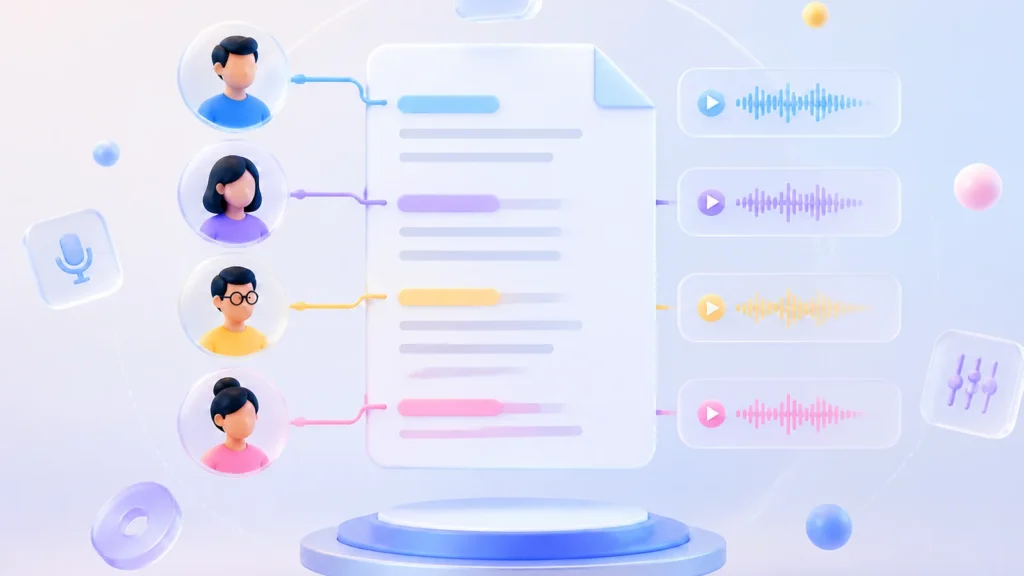
Script to Audio
Our smart script mode automatically recognizes different characters in your text. Assign a unique AI voice to each role and generate dynamic, multi-character dialogues effortlessly.
How to Use Voice Design to Customize AI Voices
Simply describe the tone, emotion, and pacing you want using natural language prompts. Our smart AI instantly translates your words into highly expressive, studio-quality audio.
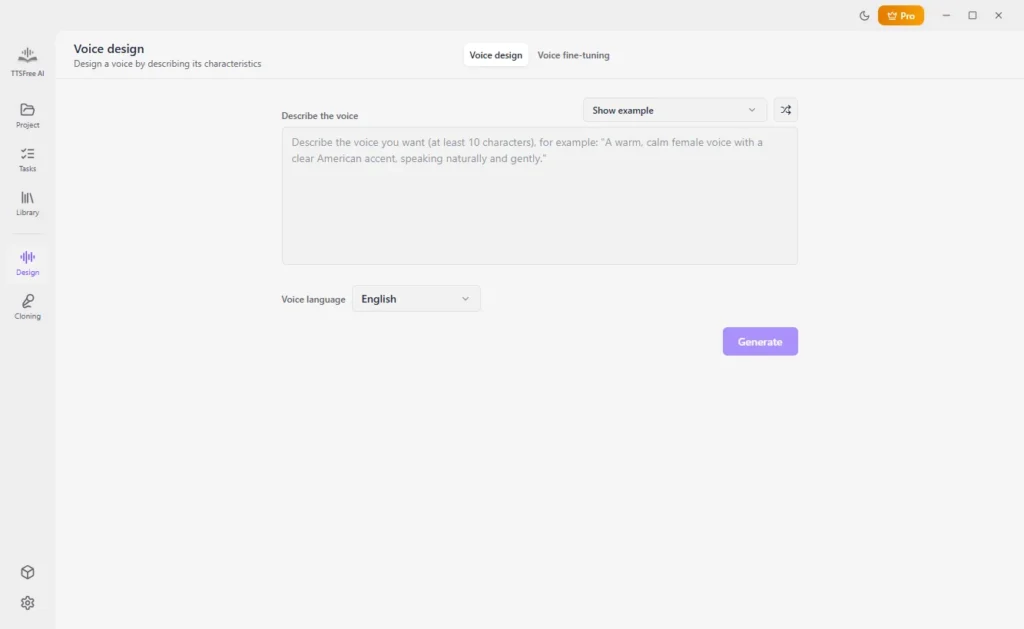
1
Navigate to Voice Design
Open TTSFree AI and switch to the Voice Design panel to start creating your custom voice.
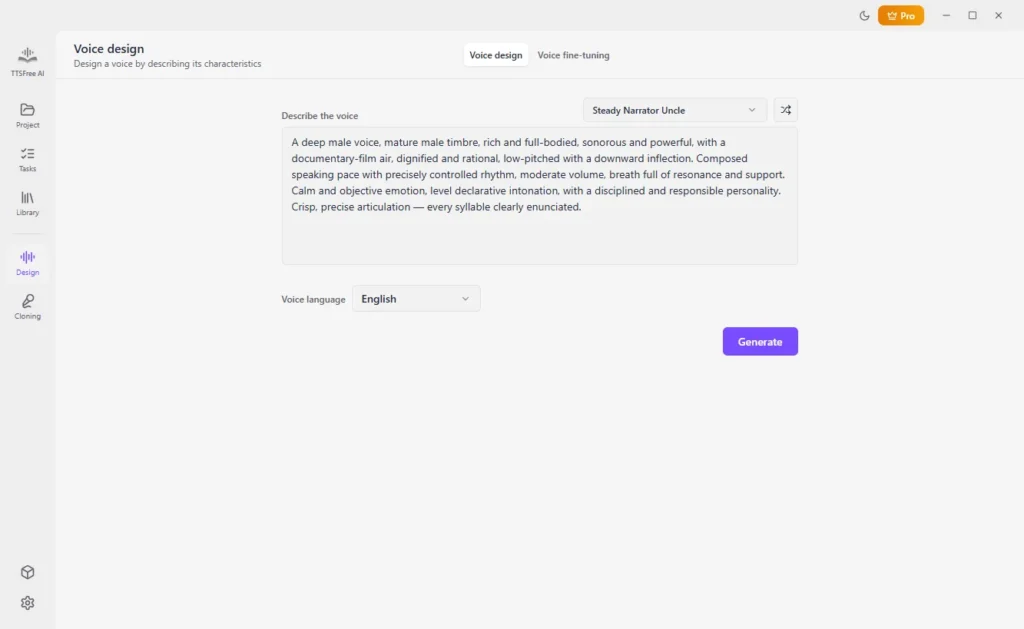
2
Select Your Creation Mode
Choose between Voice Design for generating a new voice from scratch, or Voice Fine-tuning to adjust an existing one. Then enter the prompt.
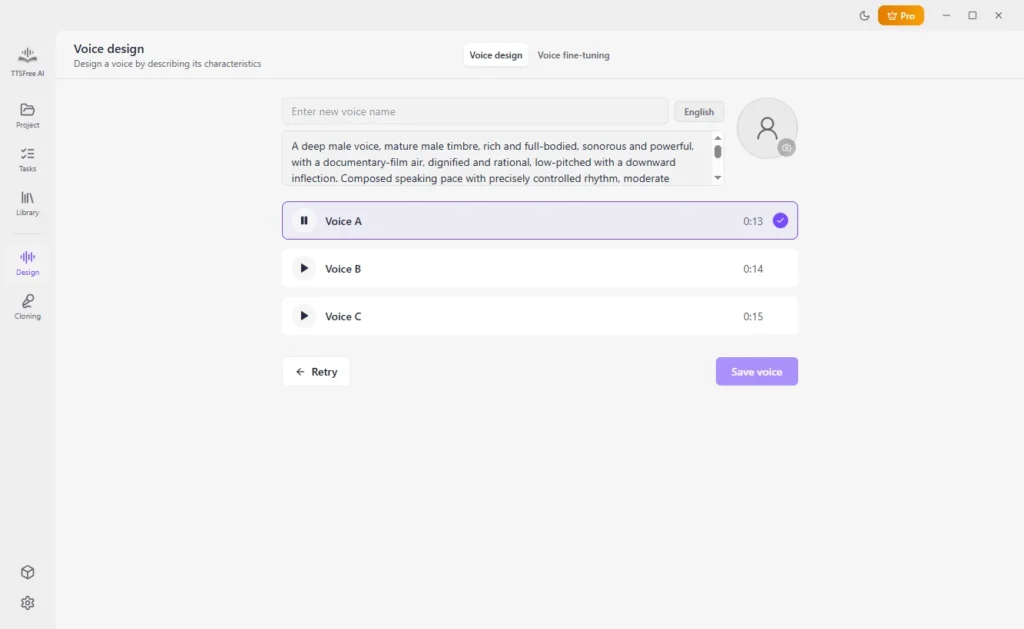
3
Generate AI Voice
Click Generate to create your AI voice, then preview the available options.
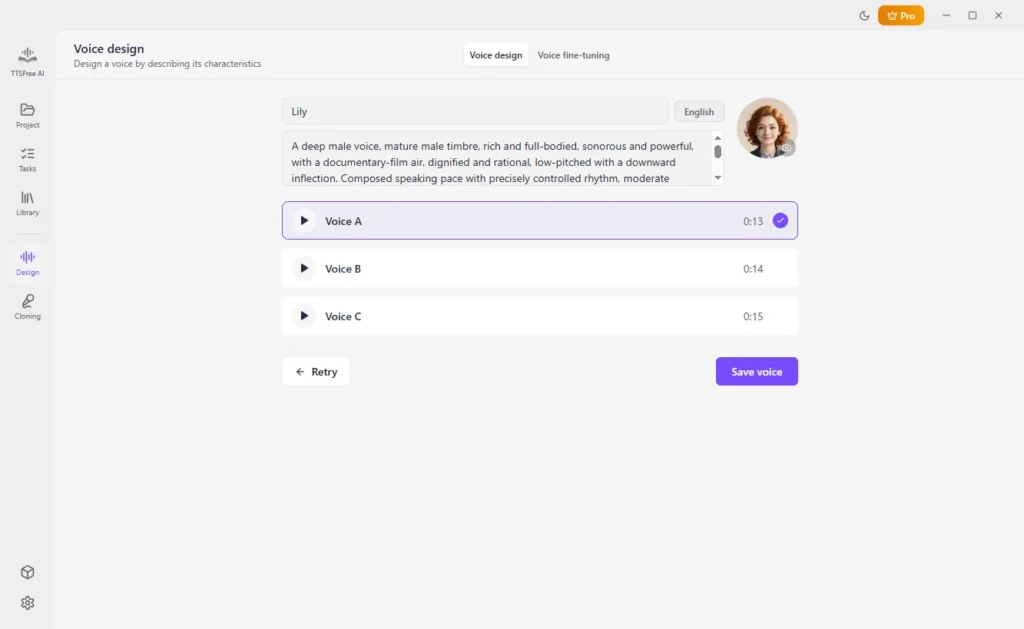
4
Save to Library
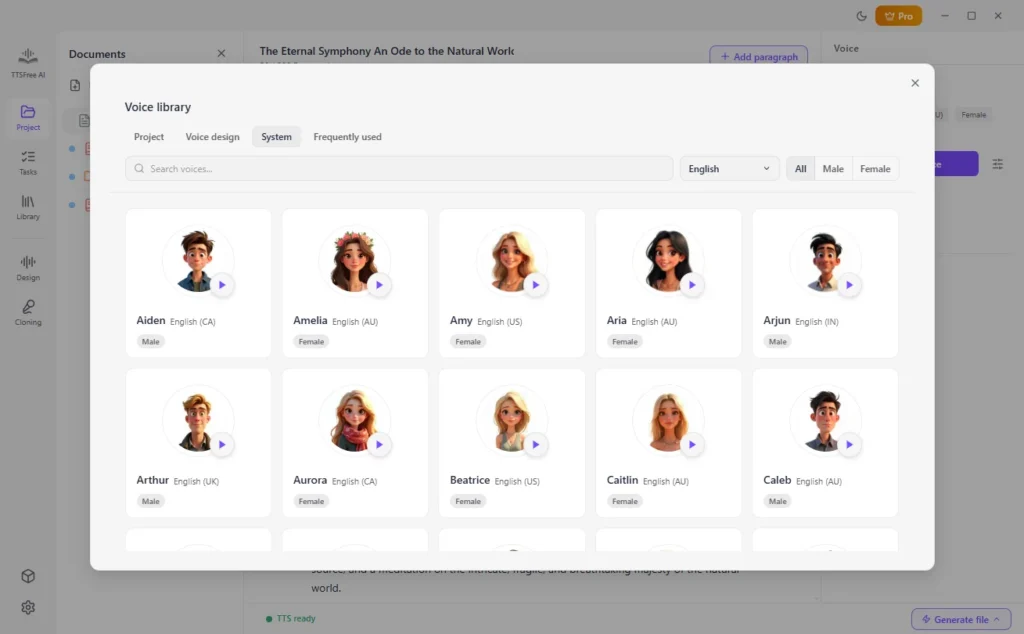
Choose your preferred option, enter a name, set an avatar, and click “Save voice” to add it to your voice library.
5
Apply Custom Voice to TTS Projects
Open any project and select the file you’d like to convert. Highlight the target paragraph, click Switch Voice, and choose your newly saved custom voice from the library to apply it instantly.
Technical Specifications
Please ensure your system meets the following requirements before using Voice Design. Note that only the QWen3-TTS 1.7B model is currently supported for local voice generation and fine-tuning.

Hardware Compatibility
Processors (CPU):
Intel and Apple Silicon processors
Graphics (GPU):
Integrated GPU via Metal (Apple Silicon or Intel Iris Graphics)

Operating Systems
Windows:
Windows 10 and later
macOS:
Intel and Apple Silicon

Required TTS Engine
QWen3-TTS 1.7B
Frequently Asked Questions
Quick answers to common questions about Voice Design.
Is the Voice Design feature free to use?
Yes, we offer a 14-day free trial for TTSFree AI, and you can use all its features without any limits, including Voice Design. You can enjoy full access to the feature completely free during the trial period.
What can I use the custom AI voice for?
The Voice Design feature is part of our text-to-speech system, so you can freely use your custom AI voices in all your TTS projects.
Can I design AI voices in multiple languages?
Yes, you can customize AI voices in 9 different languages: English, Chinese, Japanese, Korean, German, French, Portuguese, Spanish, and Italian.