
TTSFree AI
TTSFree AI

TTSFree AI: Free Windows Text to Speech App for PDFs, EPUBs, TXTs, and More
Batch convert text to speech with no character limits for free.
14-Day Full Access
No Credit Card Required
Windows 10 & 11
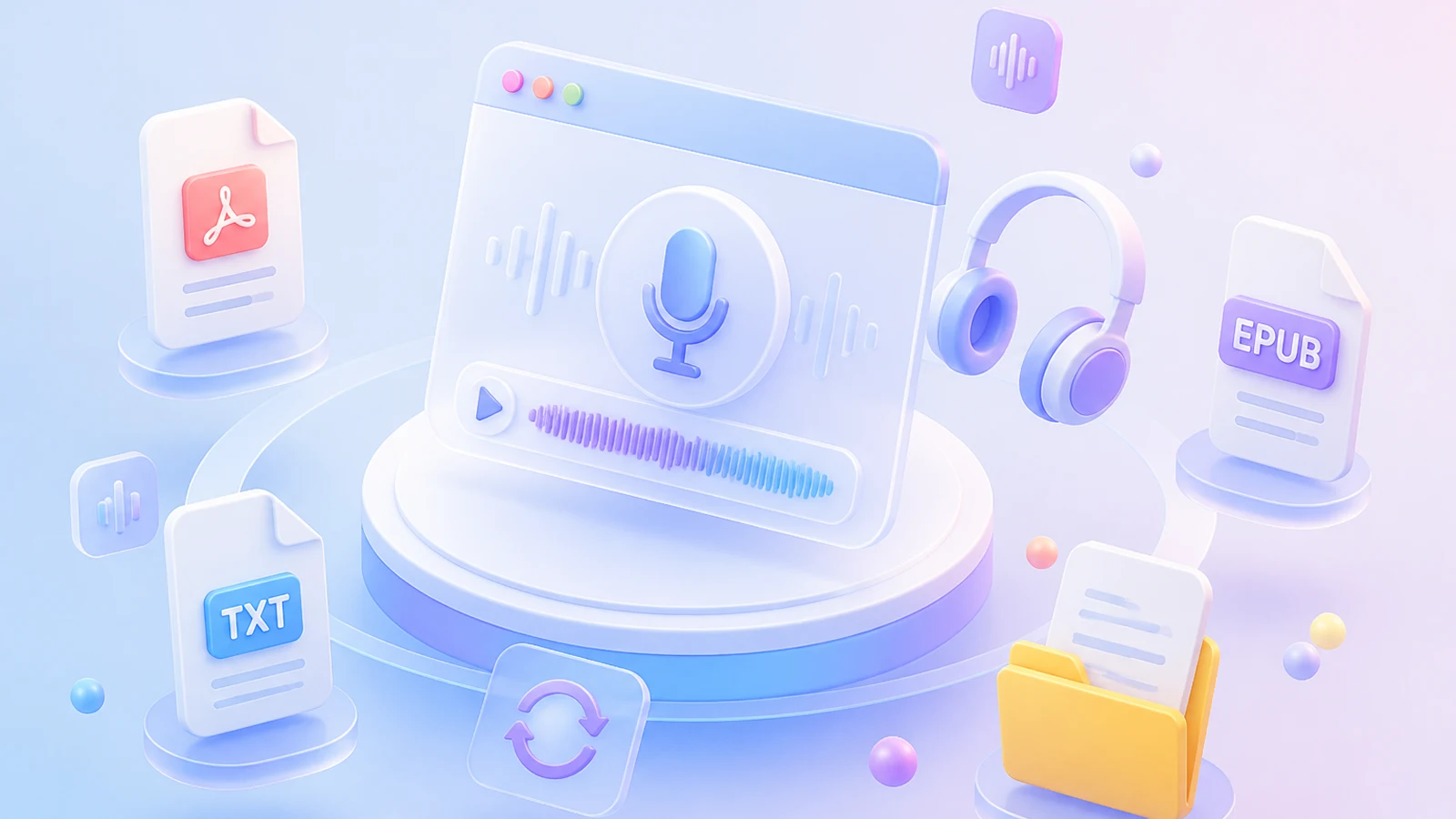
Generate Audio from PDF, EPUB, TXT & More
Import your documents and let TTSFree AI generate the audio.

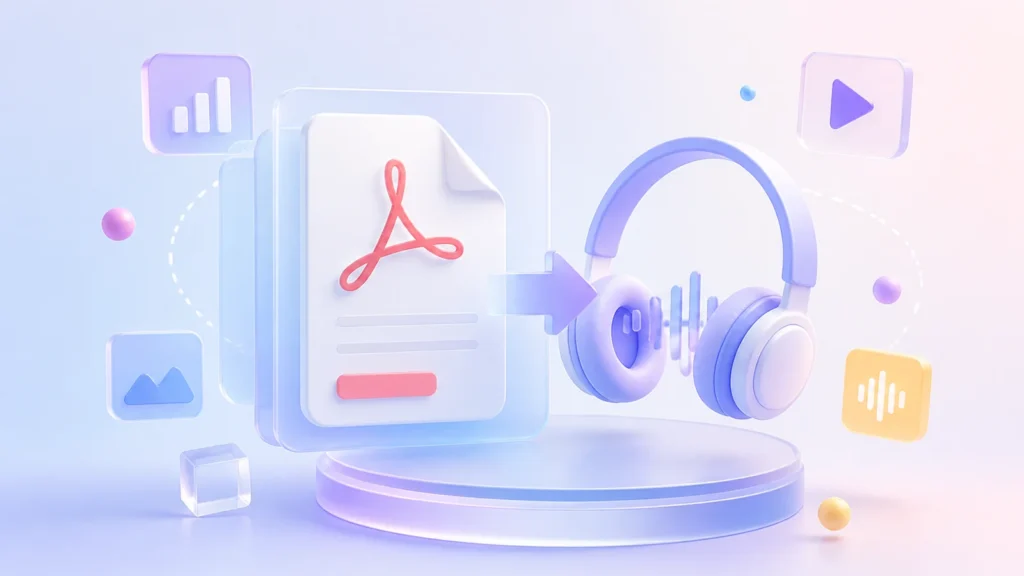
PDF to Speech
Handles both scanned and text-based PDFs with automatic content recognition.

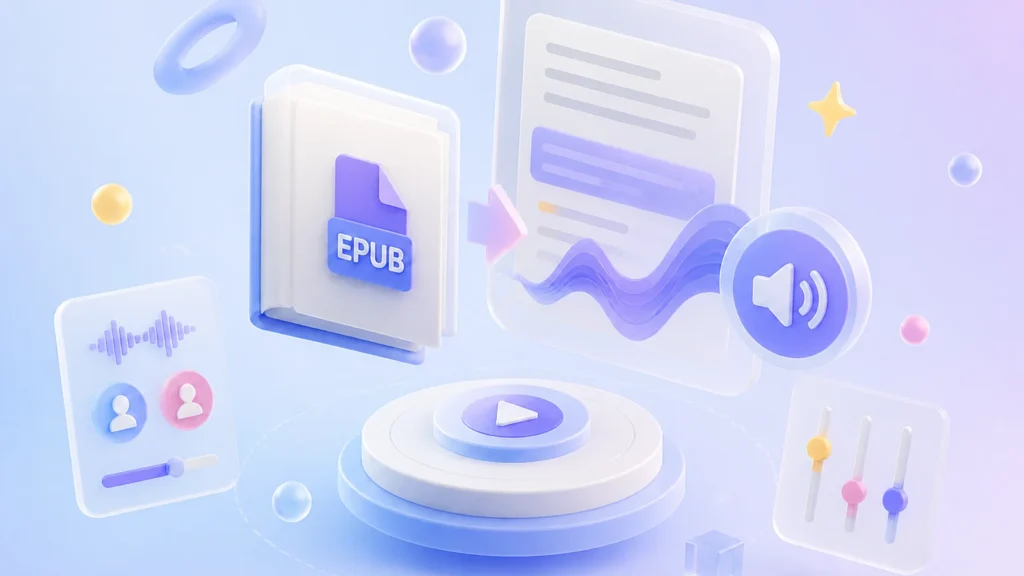
EPUB to Audio
Adapts to ebook formatting with natural paragraph pauses. Supports custom speed and voice settings to match your preferred reading rhythm.
TXT to Voice
Converts plain text instantly with no preprocessing needed. Ideal for batch turning notes or long articles into audio without format interference.
SRT to Speech
Syncs precisely with subtitle timestamps to generate time-stamped audio. Perfect for video dubbing or creating accessible voiced subtitles.
More Formats
Also supports DOCX, PPTX, HTML, and other common document types. All formats are optimized for smooth and natural audio playback.
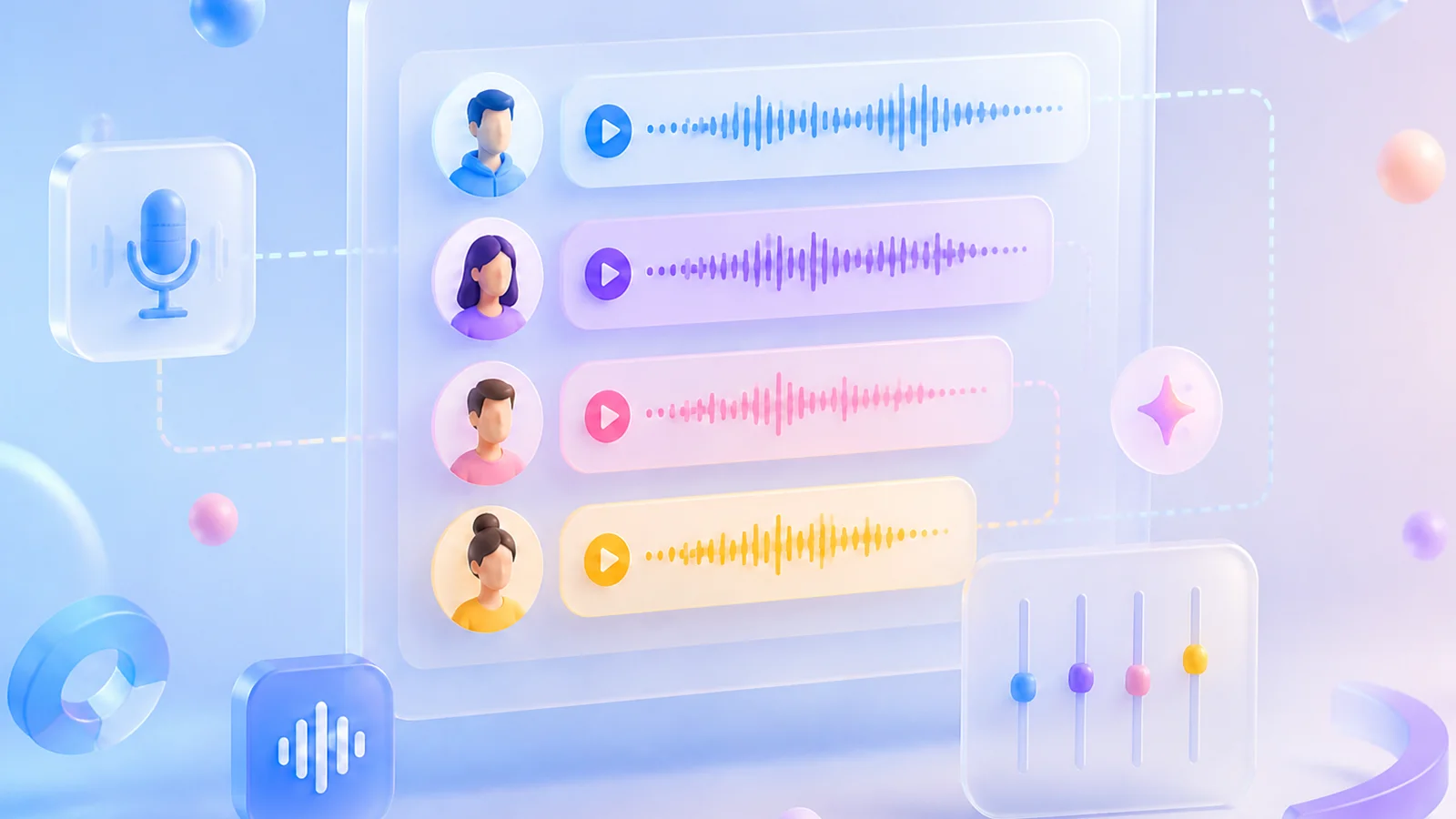
Create Multi-Voice Dialogue with Advanced Script Mode
Automatically detects character lines, so you can easily assign unique voices to each speaker. Enjoy a dynamic, immersive listening experience that brings conversations to life with no manual line-by-line tagging required.
Choose Among 214 AI Voices or Customize Your Own
Browse 214 ready-to-use AI voices across languages and styles. You can also design a unique voice by describing it with a text prompt or tweaking any of the 9 built-in base voices to fit your character perfectly.
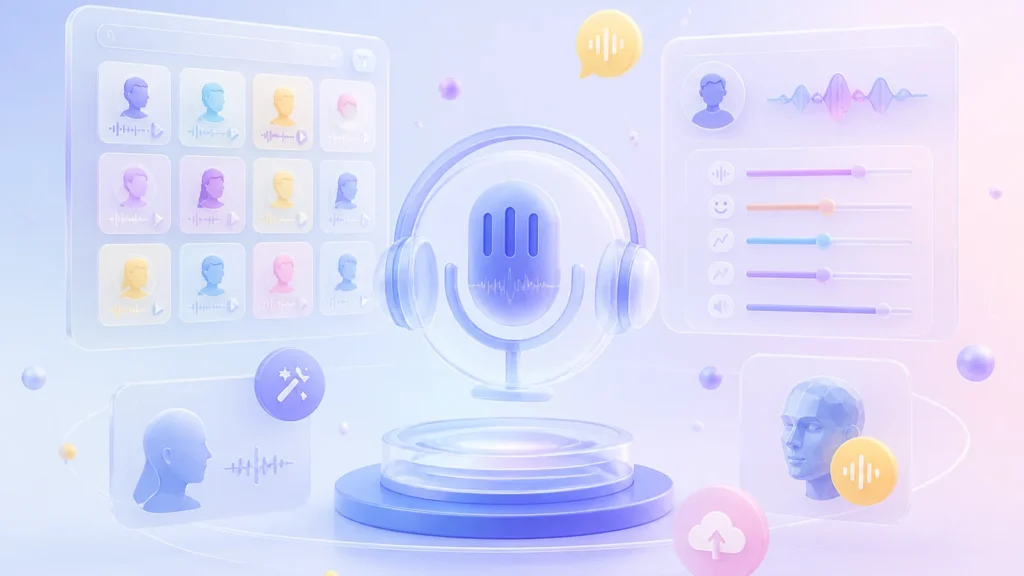

214 Free AI Voices for Text to Speech
All 214 built-in voices are fully unlocked for text to audio creation. You can use every single voice without premium paywalls.

Multilingual Text to Voice Across 9 Languages
Generate natural text to speech in English, Chinese, Japanese, Korean, German, French, Portuguese, Spanish, and Italian. Each language offers native-sounding voices tailored for authentic dialogue.
Flexible Voice Design for Custom Projects
Create brand-new voices by describing your ideal tone with a text prompt. You can also adjust any of the 9 provided base voices to refine the style and emotion for your text to audio projects.
Convert Text to Audio Without Limits
Make as many voiceovers as you need, no matter the length or number of files. Whether it’s a handful of clips or hours of audio, just hit generate and let it run without worrying about caps or splitting things up.

No Character Limits

No Text Length Limits

No Limit on Files
Convert Text to MP3 or WAV for Universal Compatibility
Export your audio as MP3 for smaller file sizes and easy sharing, or pick WAV for lossless quality. Switch between formats anytime to fit your needs.
Text to MP3
Choose MP3 if you want smaller file sizes that won’t take up too much storage space. It’s ideal for quick sharing, mobile playback, and everyday listening where portability matters more than studio-grade fidelity.
Text to WAV
Go with WAV if you prioritize lossless audio quality and have ample storage space. It preserves every detail of the original sound, making it perfect for professional editing, mastering, or archival purposes where fidelity is non-negotiable.
Enjoy Local TTS for Privacy Protection
Convert text to audio securely on your device with our Windows Text to Speech app. This local TTS tool transforms text to voice without sending data to external servers, giving you full control over sensitive content while maintaining high quality output.

Offline Text to Audio Processing
All text to audio conversion happens entirely on your device, ensuring documents and scripts never leave your local environment or get exposed to third parties.
Lightweight TTS App Performance
The optimized TTS app runs smoothly on standard hardware, delivering fast text to voice conversion without draining system resources or slowing down other tasks.

Zero Cloud Dependency
Eliminate upload wait times by handling all text to audio generation locally with instant processing.

Secure Local File Storage
Generated audio files are saved directly to your device, preventing unauthorized access and ensuring complete ownership of your text to voice content.
Switch TTS Models Based on Your Needs
TTSFree AI gives you two purpose-built versions of the QWen3-TTS engine, selectable in settings.
High-Quality Pro
QWen3-TTS 1.7B
Delivers exceptional speech fidelity with natural prosody and expressive intonation. Best for professional voiceovers, long-form narration, or any use case where audio quality is non-negotiable.
Lightweight & Efficient
QWen3-TTS 0.6B
Achieves excellent clarity with significantly reduced resource consumption. Ideal for real-time applications, edge devices, or systems without a dedicated GPU.

Shared Core Capabilities

Deep semantic understanding

Intelligent emotion and prosody control

Seamless multilingual mixing
Technical Specifications
TTSFree AI runs locally on your existing machine with broad hardware and OS support.
Hardware Compatibility

Processors (CPU): Intel and AMD processors
Graphics (GPU): NVIDIA, AMD, and Intel discrete GPUs

Operating Systems
Windows 10 & Windows 11
How to Convert Text to Audio on Windows PC or Laptop
Generate high-quality speech from your text or documents in four simple steps.
1
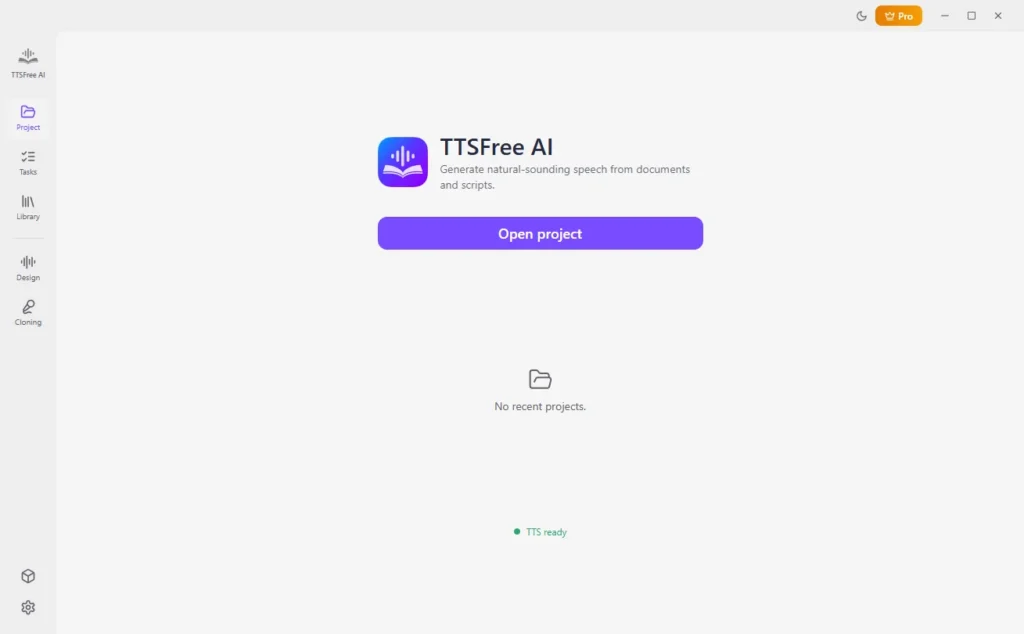
Launch and Open a Project
Start TTSFree AI on your Windows PC and open an existing project or create a new one.
2
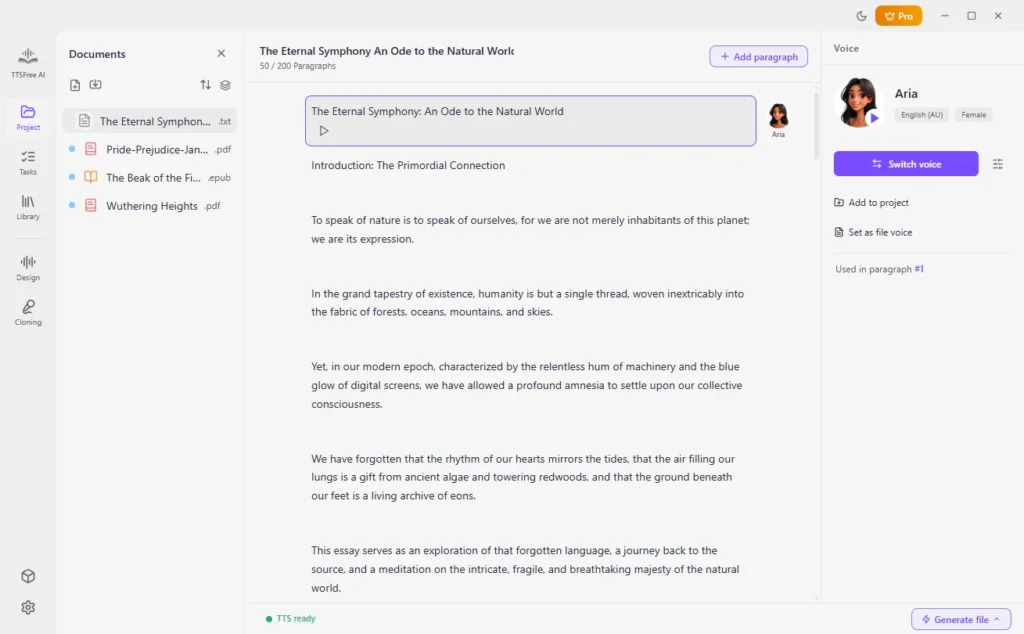
Add Your Document
Click directly on the document you want to convert from the project list, or manually import a file from your local drive using the import option.
3
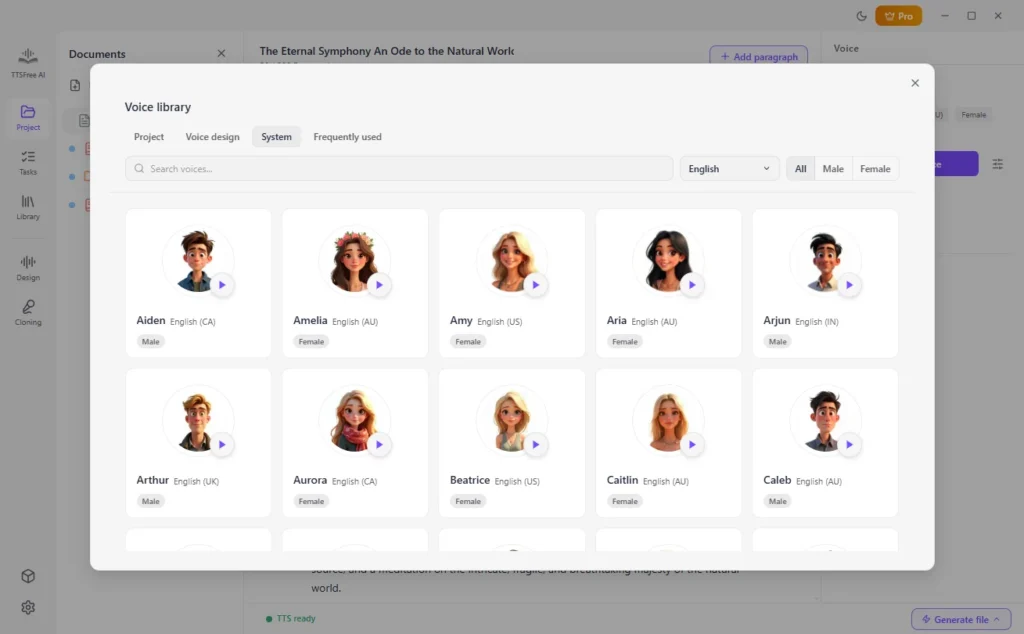
Select Voices
Choose one or more AI voices from the library for your document.
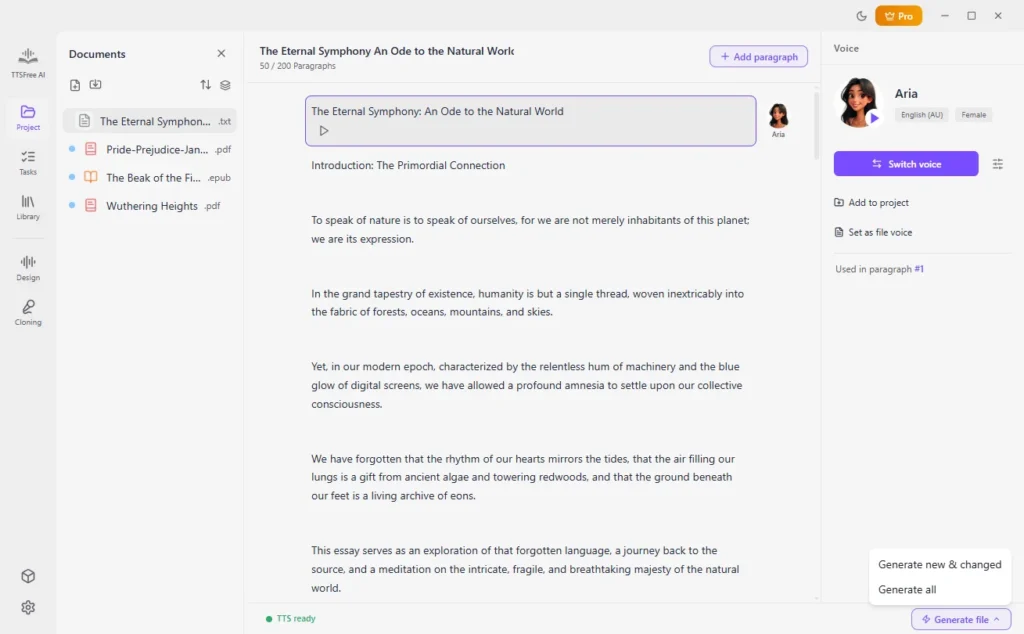
4
Convert File to Speech
Click “Generate and play” for a single paragraph or navigate to “Generate file” > “Generate all” to batch-process your entire file.
Frequently Asked Questions
Everything you need to know about using TTSFree AI on your Windows PC or laptop.
Is TTSFree AI free to use?
Yes, it provides a 14-day free trial that requires no login or credit card. You get full access to all features during the trial period, with no hidden limitations or watermarks.
What are the benefits of TTSFree AI over built-in text-to-speech features on Windows?
Unlike the basic Narrator or Edge Read Aloud tools, TTSFree AI uses advanced neural voice models for natural, human-like speech. It also supports batch document conversion, multi-voice projects, and high-quality audio export formats that native Windows TTS does not offer.
Is TTSFree AI text-to-speech software for Windows 10?
Yes, TTSFree AI is fully compatible with Windows 10 and later. You can use it on your Windows 10 or Windows 11 PC or laptop smoothly without any additional runtime dependencies.
Does TTSFree AI require an internet connection to generate audio?
No. An internet connection is only needed to download AI voice models initially. Once the voices are downloaded to your device, all text-to-speech generation runs entirely offline, ensuring your data never leaves your computer and there are no cloud processing delays.
Can I use multiple AI voices in a single project?
Absolutely. You can assign different AI voices to separate sections or characters within the same document, making it ideal for creating audiobooks, video narrations, or interactive content with distinct vocal roles.