

When people look for the best free text to speech software in 2026, they want genuine desktop programs they can download and install — tools that work reliably offline, handle large files, and don’t force you back online every time. This guide focuses exclusively on proper downloadable TTS software for Windows and Mac, with natural voices and practical features for real users.
I’ve reviewed several solid options that qualify as true software. We’ll highlight TTSFree.ai as a modern standout, along with established classics and other capable programs.
Why Choose Real Desktop TTS Software?
Installable text to speech software provides offline freedom, better privacy, and no annoying limits that many online services impose. In 2026, these programs support advanced AI voices while running locally, making them ideal for content creators, educators, audiobook producers, and accessibility needs. Whether you need “free TTS software download” for Windows, offline text to speech software for Mac, or versatile AI voice software, desktop apps deliver consistent performance.
Top Free Text to Speech Software in 2026
1. TTSFree AI – Best Modern Desktop TTS Software
TTSFree.ai is a powerful downloadable text to speech software for Windows and Mac, offering unlimited local generation with advanced AI.
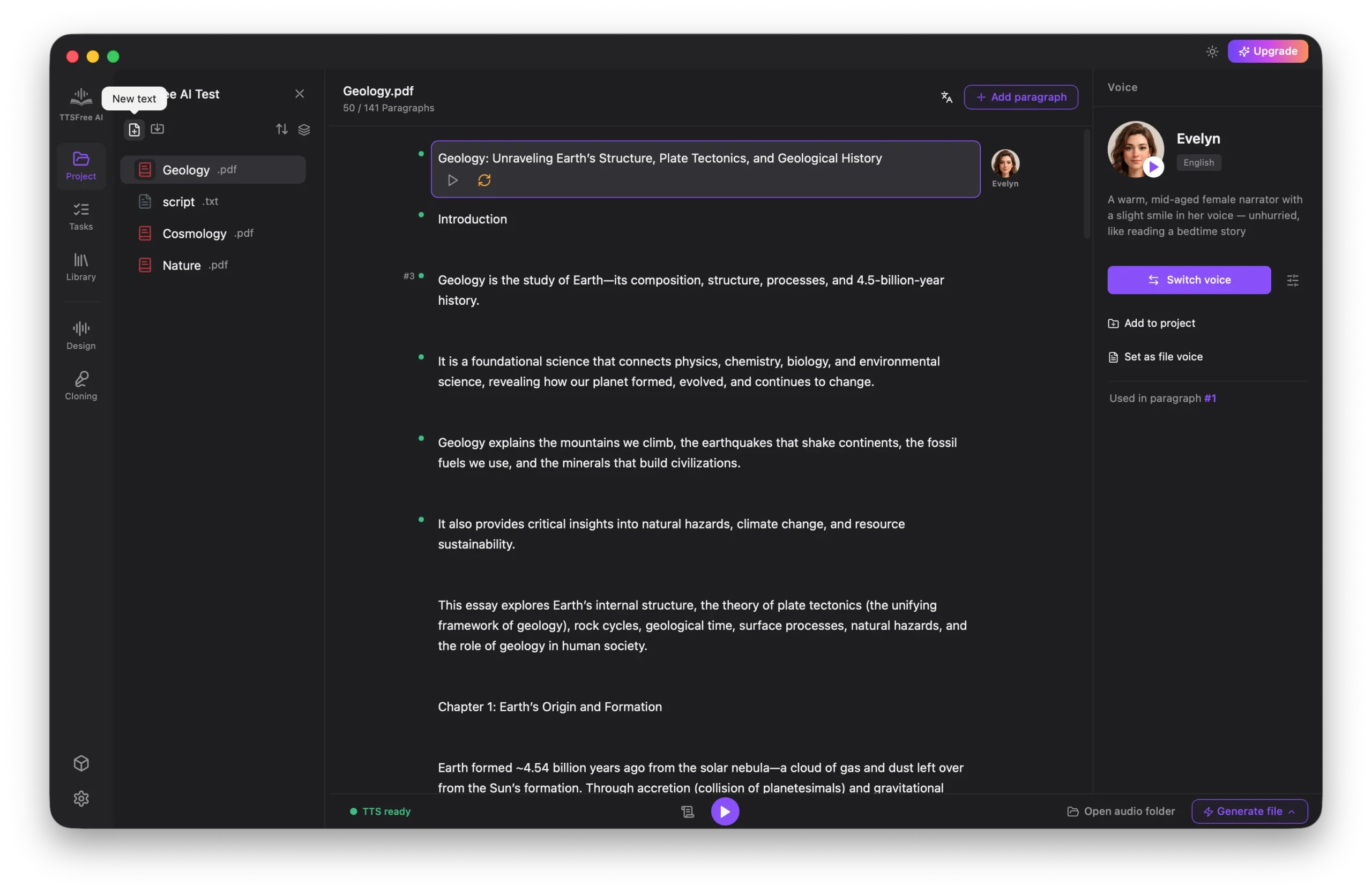
Key Features:
- 200+ natural AI voices across multiple languages including English, Chinese, Japanese, Spanish, and more.
- Bulk document support (PDF, DOCX, EPUB, PPTX, etc.) with drag-and-drop.
- Multi-character dialogue mode and auto speaker detection for scripts.
- Custom voice creation via prompts; two local models for quality vs. speed.
- Fully offline, expressive speech, MP3/WAV export.
Pros:
- Unlimited conversions with no caps.
- Strong privacy and performance on your hardware.
- Great for long projects and multilingual work.
Cons:
- Initial model download required; best with good GPU for premium model.
Best For: Users wanting cutting-edge AI in a real desktop application.
2. Balabolka – Most Popular Free Windows TTS Software
Balabolka is a lightweight, completely free desktop text to speech software that has been a favorite for years.
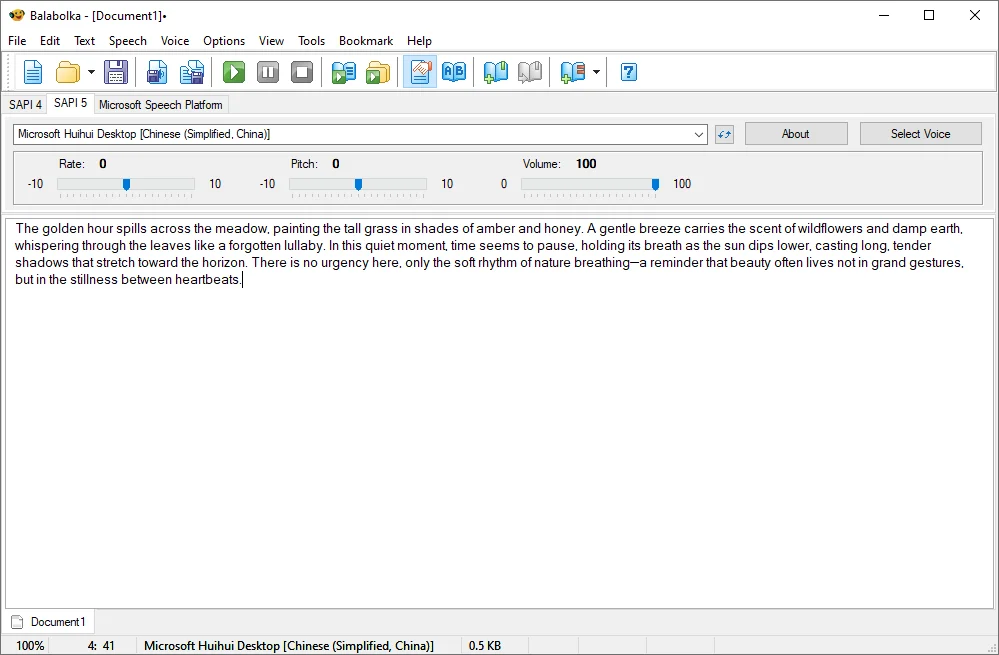
Key Features:
- Supports system SAPI voices and many file formats.
- Batch conversion, pronunciation editing, and full customization.
- Portable version available for USB or quick use.
Pros:
- 100% free and unlimited.
- Very lightweight and flexible.
- Excellent for offline document reading.
Cons:
- Voice quality relies on installed system voices.
- Primarily for Windows.
Best For: Simple, reliable everyday use on Windows PCs.
3. Panopreter Basic – Simple and Effective Free TTS Software
Panopreter Basic is a straightforward downloadable TTS program focused on ease of use.
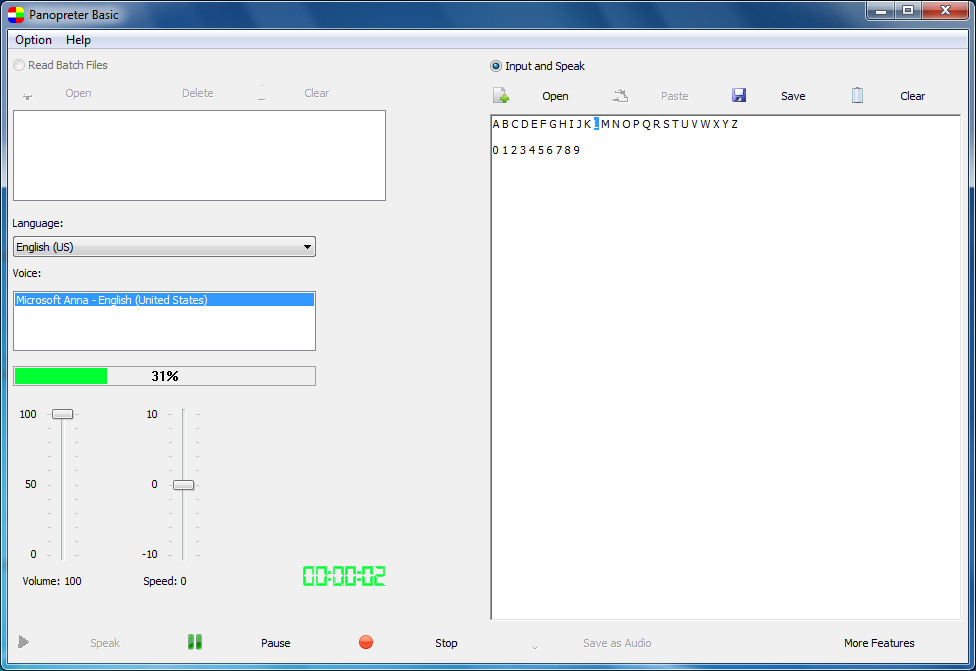
Key Features:
- Clean interface for text input and file reading.
- Multiple voices and basic controls for speed/pitch.
- Audio export options.
Pros:
- Free with no complicated setup.
- Good for beginners needing quick offline TTS.
Cons:
- Fewer advanced AI features compared to newer tools.
- Limited voice variety without additional installs.
Best For: Users seeking no-frills desktop software.
4. Zabaware Text-to-Speech Reader – Solid All-Rounder
Zabaware offers a dedicated desktop reader with good web and document integration.
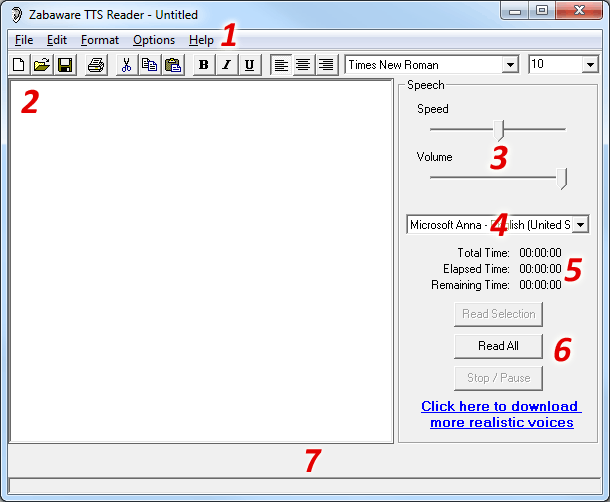
Key Features:
- Reads text from various sources including websites.
- Customizable voices and reading modes.
- Offline capable.
Pros:
- Versatile for different content types.
- Free version provides solid functionality.
Cons:
- Interface feels a bit dated.
- Some features may push toward paid upgrades.
Best For: Reading web content and documents aloud.
5. Speech Central (Mac-Focused)
For Mac users, Speech Central stands out as capable desktop text to speech software with strong document and ebook support.
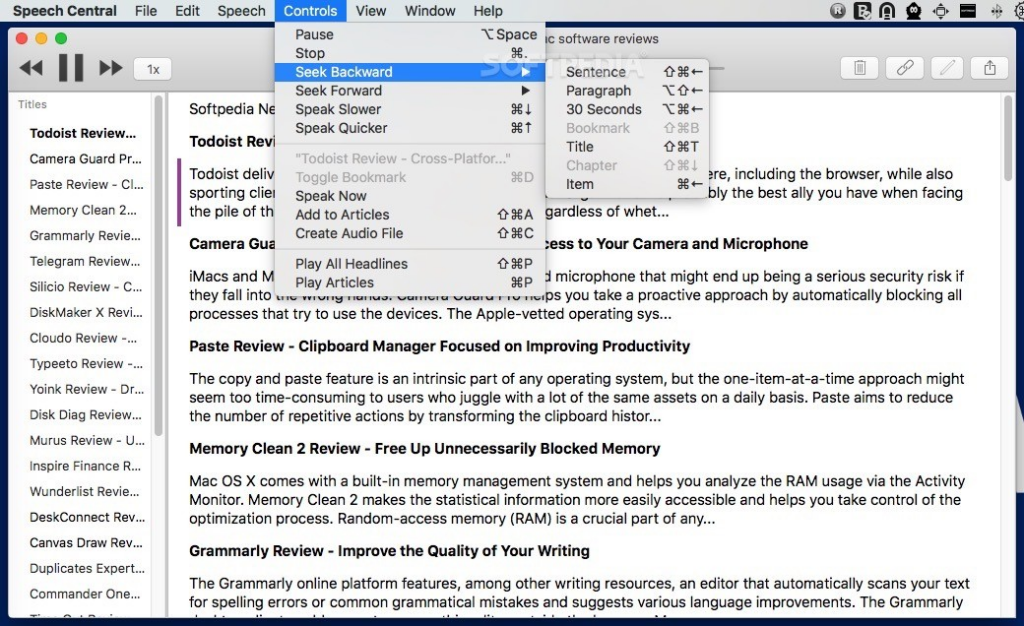
Key Features:
- Supports Apple voices and additional AI options.
- Excellent PDF and ebook handling.
- Native Mac app for M1-M4 chips.
Pros:
- Smooth integration with macOS.
- Good multilingual support.
Cons:
- Some advanced voices may require extra configuration.
Best For: Mac users needing reliable offline TTS.
Comparison of Free TTS Software
- TTSFree AI: Best for modern AI voices and unlimited use.
- Balabolka: Best lightweight Windows option.
- Panopreter Basic: Best for simplicity.
- Zabaware: Good for web + document reading.
- Speech Central: Strong Mac choice.
Tips for Getting the Most Out of TTS Software
Test voices with your typical content. Combine tools — use TTSFree AI for production and Balabolka for quick tasks. Check hardware requirements for the best AI performance. For multilingual projects, prioritize programs with broad language packs like TTSFree.ai.
Conclusion
Yes, there are several worthy free text to speech software options in 2026. TTSFree.ai leads for its advanced local AI capabilities, while Balabolka, Panopreter, Zabaware, and Speech Central round out a solid selection of downloadable desktop programs.