

Video subtitling turns speech in the clips into text. This means fewer people can type texts manually, and more control over the export on Instagram, TikTok, and YouTube.
Users can create a text draft from speech through an AI subtitle generator, sync it to the video, and prepare for editing, styling, translation, or export as a separate file.
Why subtitles matter for social media videos
For social media videos, it becomes imperative to communicate the concept clearly. Subtitles in such cases allow viewers to understand the concept right away, particularly if the video involves dialogues, product descriptions, instructions, or several facts within the short clip duration.
Subtitles also support videos where a person speaks too fast or the audio is not that perfect. Product names, slang, background noise, and soft voices can disappear in a busy clip. Text gives those details a second chance on screen.
They also help during editing. A subtitle draft also helps during editing. Repeated phrases, unclear names, awkward pauses, and weak lines are easier to catch in text than by replaying the same moment again and again. In a team workflow, that text gives editors, marketers, and translators something concrete to comment on.
For social media, subtitle style matters too. Long lines feel crowded. Poor placement can cover faces or product details. Bad timing makes the text feel late or rushed.
Here are the six best apps to add captions to videos:
1. HappyScribe
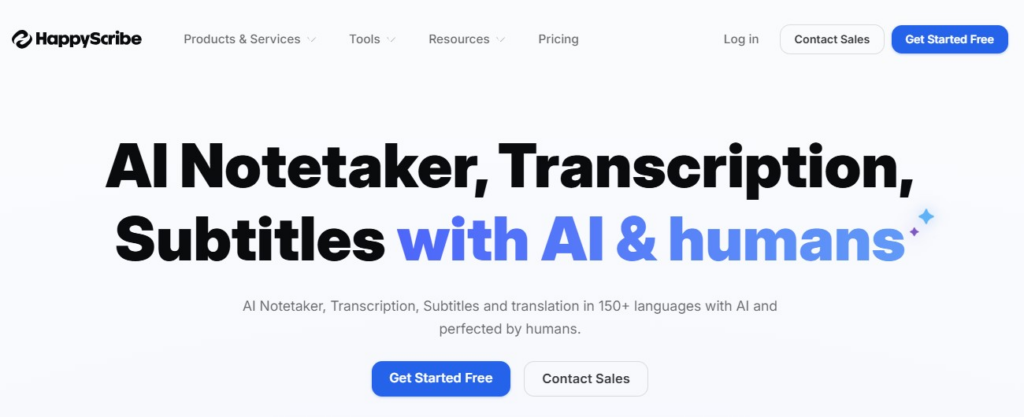
HappyScribe focuses on text, transcription, and flexible subtitle-file exports. It works well when interviews, webinars, lessons, podcasts, or longer recordings became shorter social clips.
The tool generates subtitles from audio or video. After processing, users can edit the text, adjust timing, and export in SRT or VTT.
Happy Scribe also offers human transcription and subtitling alongside AI-generated subtitles. That extra review can help when product names or industry terms need more careful text before the video is cut into social posts.
The main value here is the text workflow. Happy Scribe keeps every tool in one place. It works especially well when subtitle accuracy matters more than animated text styles.
2. Movavi Video Editor
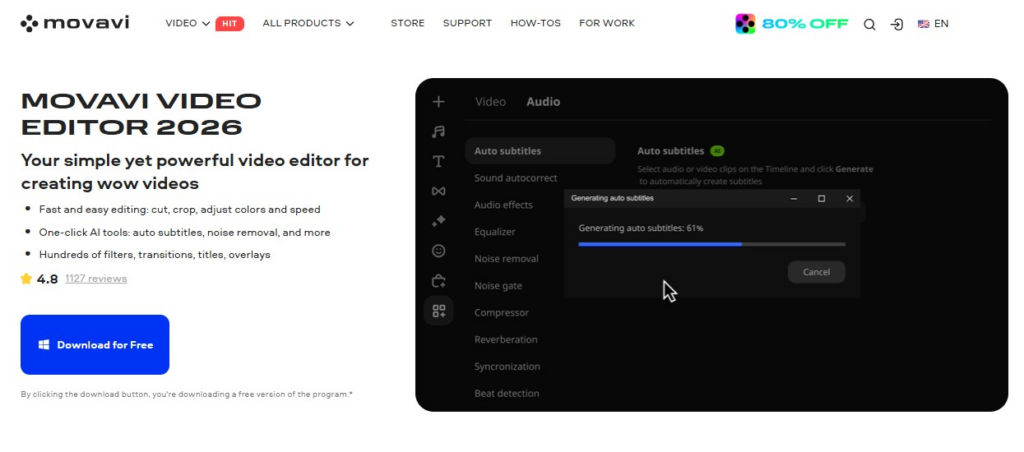
Movavi Video Editor gives beginners an easy way to create awesome content. The interface is simple to navigate, and subtitles fit naturally into the editing process.
Auto Subtitles is one of the main AI features. The tool turns speech into captions and places the text on a separate track on the timeline. Creators can read through the lines, correct names, adjust timing, and choose from 30+ subtitle styles.
Movavi’s other one-click AI tools support videos driven by speech. For example, noise reduction can clean a voice recorded near traffic, and silence removal can shorten long pauses.
The drag-and-drop effects and music library give short videos more shape. This is where users can set the mood of a travel recap, make a product clip feel less bare, or add a bit of energy to a short promo.
3. Maestra
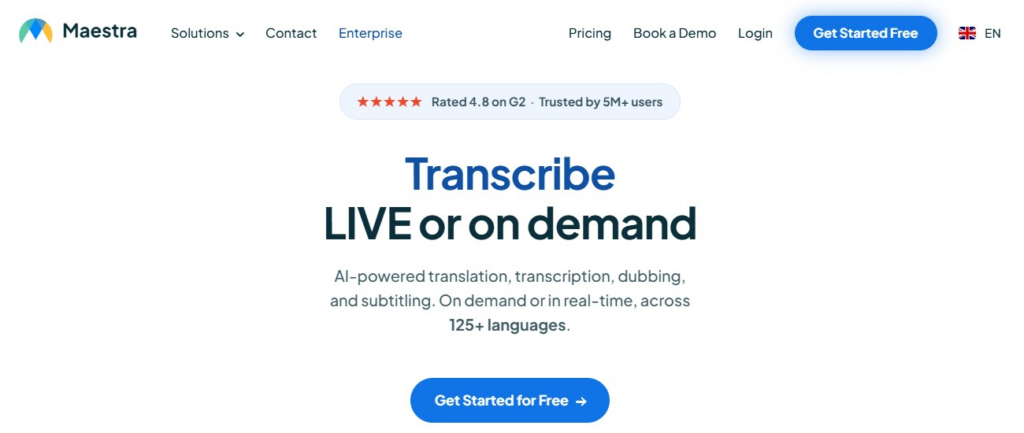
When subtitles are part of a localization workflow, Maestra gives more control than a basic caption generator. It covers AI transcription, subtitles, dubbing voice cloning, and translation, so spoken videos can move from one recording into text, audio, and language versions.
The subtitle generator supports 125+ languages and turns speech into timed text. Users can edit the transcript, adjust subtitle timing, and export files in formats such as SRT, VTT, SCC, STL, CAP, TXT, XML, and SBV.
For social media work, Maestra is useful when one clip has to be prepared for several accounts, regions, or language pages. The file-format options also help when subtitles need to be uploaded separately instead of burned into the video.
4. Vmaker AI
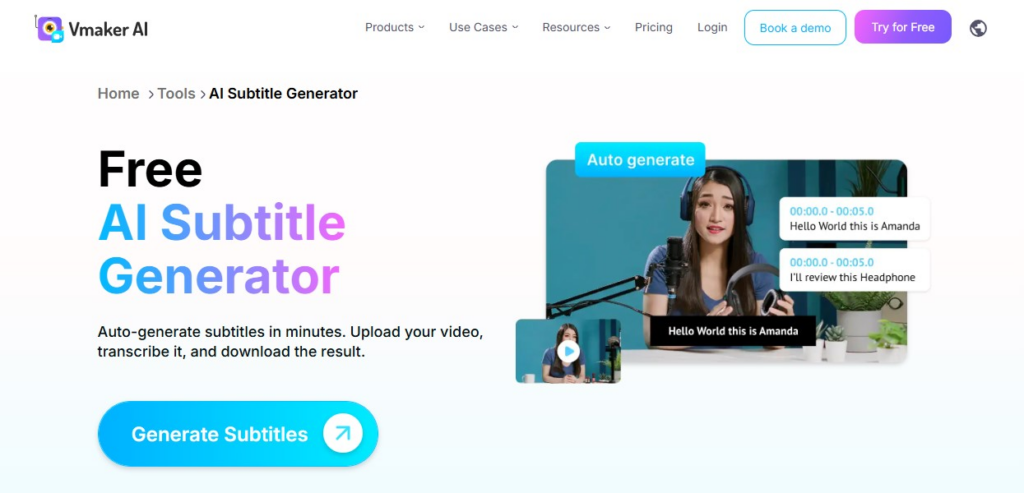
Vmaker AI is auto caption software that puts more weight on how subtitles look after generation. The tool takes an uploaded video, creates subtitle text, and lets users adjust the wording before choosing a visual style.
Its language coverage is useful for reused posts: 35+ subtitle languages and translation into 100+ languages. That gives creators more room to prepare alternate versions of the same clip without rebuilding the subtitle track from scratch.
The styling options are the main draw. Vmaker AI includes caption presets, animations, and templates, so a talking video can get larger text, stronger emphasis, or a more dynamic subtitle layout when the format calls for it.
5. Submagic
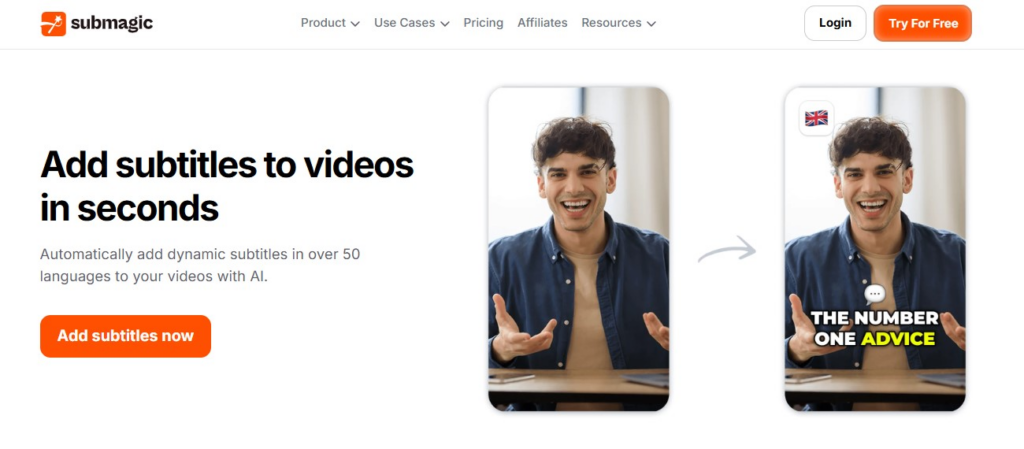
Submagic is an AI subtitle generator aimed at short social clips. Its caption generator supports 50+ languages, claims 99% caption accuracy, and says it can create animated captions in under a minute.
After the subtitles are generated, users can edit the text and apply caption styles. Submagic also has options for auto emojis, silence removal, auto zoom, B-roll, stock clips, GIFs, sound effects, background music, and social descriptions or hashtags.
The tool is strongest when a talking video needs a fast social edit around the subtitles. Its current Starter plan includes 15 videos per month, up to 2 minutes per video, 1080p export, and 30 FPS.
6. AutoCaption
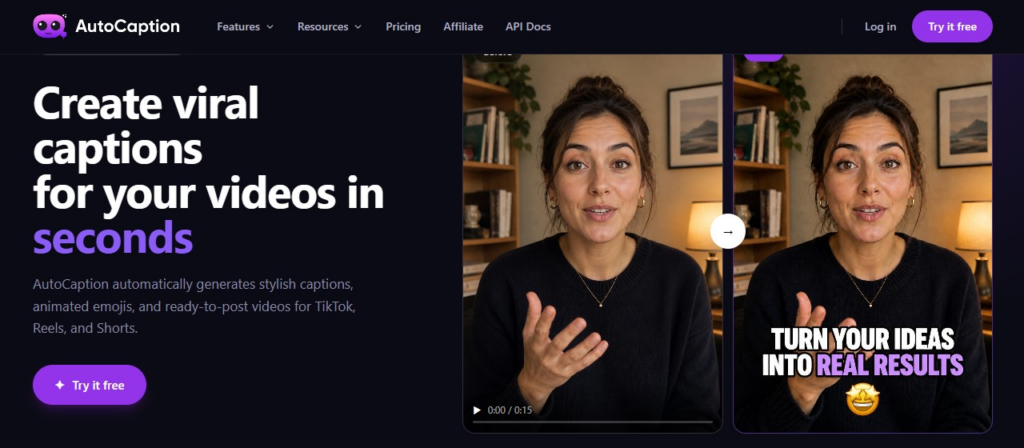
AutoCaption is even more straightforward: upload the clip, make subtitles, edit the text, and pick a design theme. Among the major pros, one can find time and format support – the tool claims most videos are auto-captioned within 10 seconds, supports 100+ languages, and allows uploading MP4, MOV, AVI, MKV, and WebM formats.
It offers quick editing of any generated text, followed by modification of the font type, color, animation, size, placement, and word highlighting. Moreover, users have the option to save the subtitle design template and use it for numerous videos.
The Starter plan includes 100 videos per month, a 500 MB upload limit, videos up to 2 minutes, Full HD export, custom fonts, and templates.
How to choose an AI subtitle generator
What slows you down? Maybe it’s cleaning up the transcript, fixing line breaks, translation, or animated subtitles creation for voiceover clips. The best subtitle generator covers that.
For TikTok, Shorts, or IG, review them via a mobile preview before comparing features. Manually check each subtitle line. Even the most advanced AI sometimes misses proper names, slang, brand terms, or even poorly recorded speech.