

TTSFree AI
TTSFree AI

Convert EPUB to MP3 Audio for Free, Without Limits
Turn your EPUBs into audiobooks with natural AI voices, in bulk.
14-Day Full Access
Available for Windows & macOS
No Credit Card Required
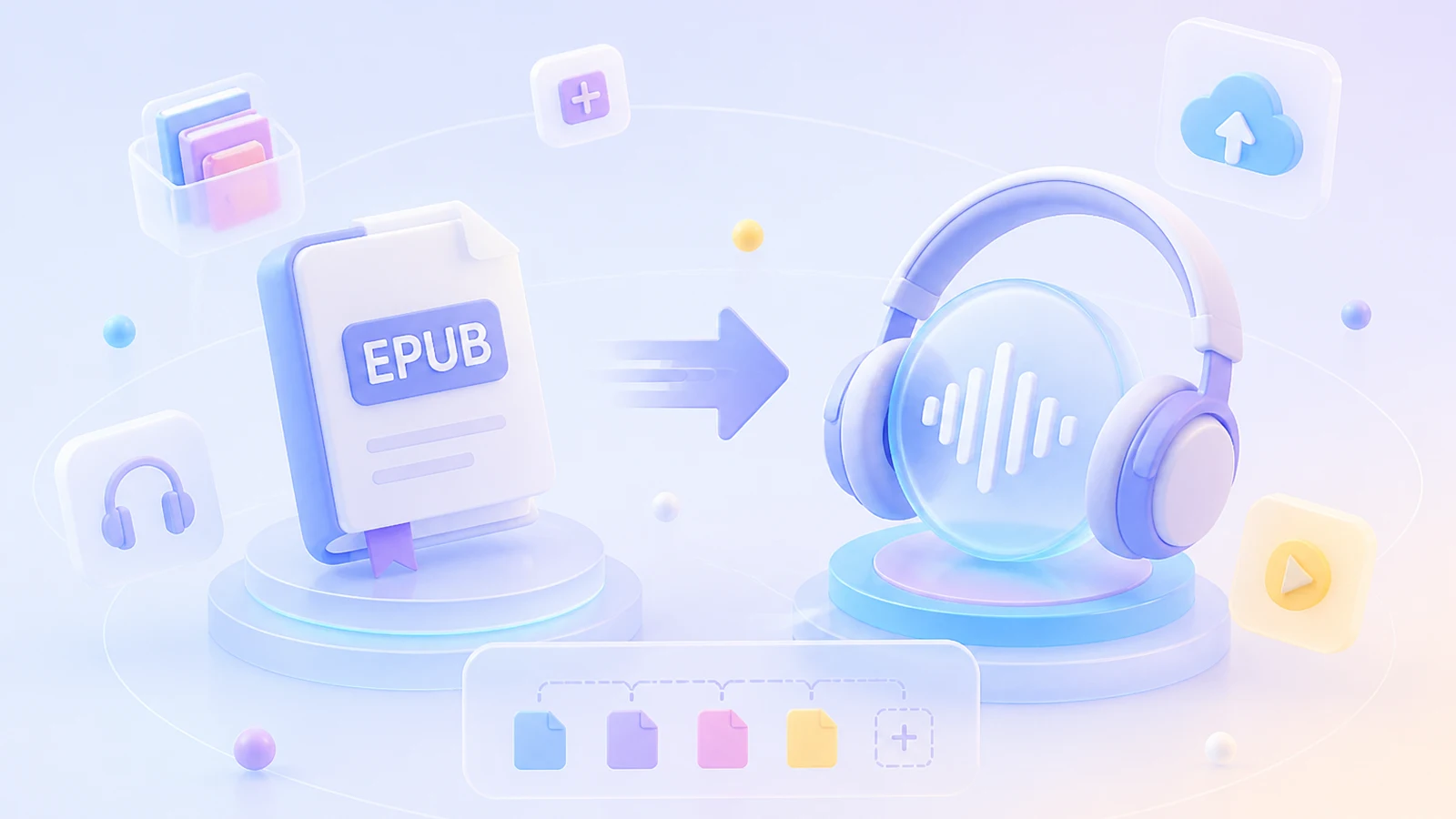
Unlimited EPUB to Speech Conversion
No character limits and no file size restrictions. Convert as many EPUBs as you want, completely free.

No Character Limits
Whether you are converting a short story or a massive novel, our text to audiobook engine handles it all. Turn endless pages of text to audio without worrying about word counts or splitting your files.

Unlimited Conversions
We offer truly unrestricted text to speech processing. Convert as many times as you need, completely free, with no daily quotas or hidden caps on your text to voice tasks.
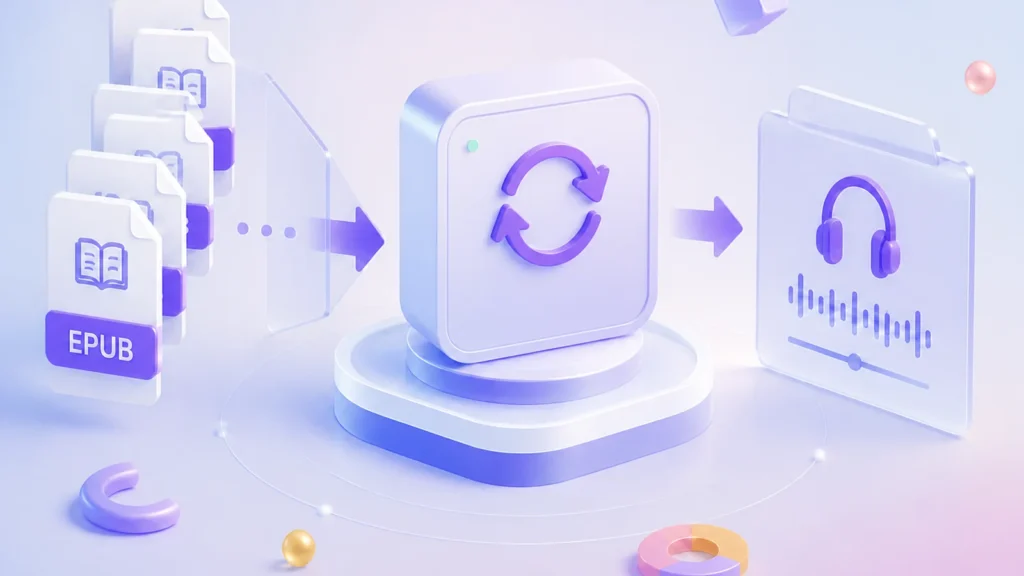

Batch Processing Ready
Import multiple EPUBs at once for seamless bulk conversion. Our powerful text to mp3 system processes as many files as you want in one go, saving you time and effort.
Choose Any Voice from the Library or Customize Your Own
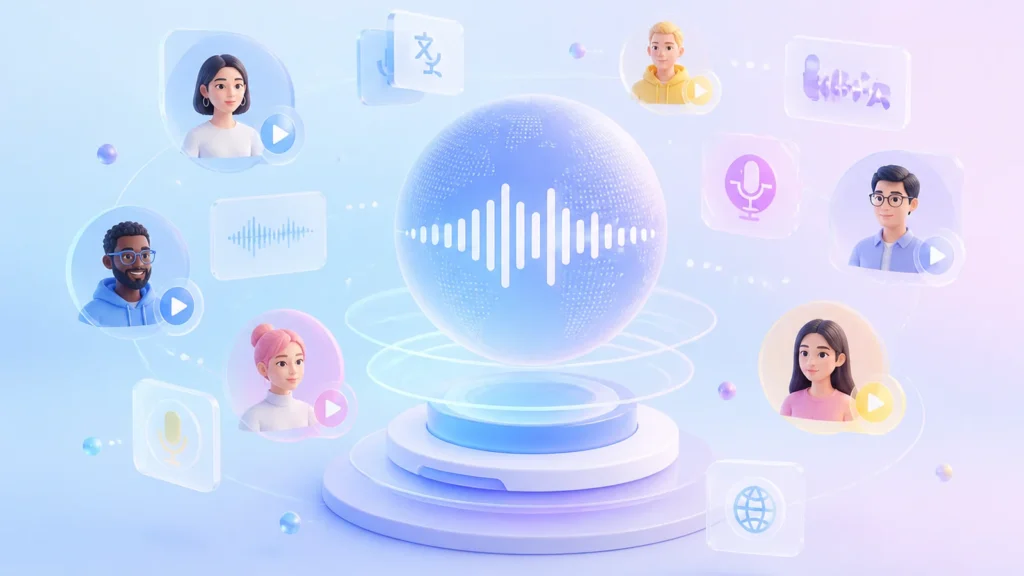
Bring your stories to life with our versatile text to voice engine. You can instantly use any of the 214 built-in natural AI voices, or use the Voice Design feature to create a custom speaker that best fits your unique needs.

200+ Realistic AI Voices
We offer 200+ highly realistic AI voices across 50+ languages. All are crafted to deliver a premium text to audio experience, ensuring your content sounds completely natural and engaging.
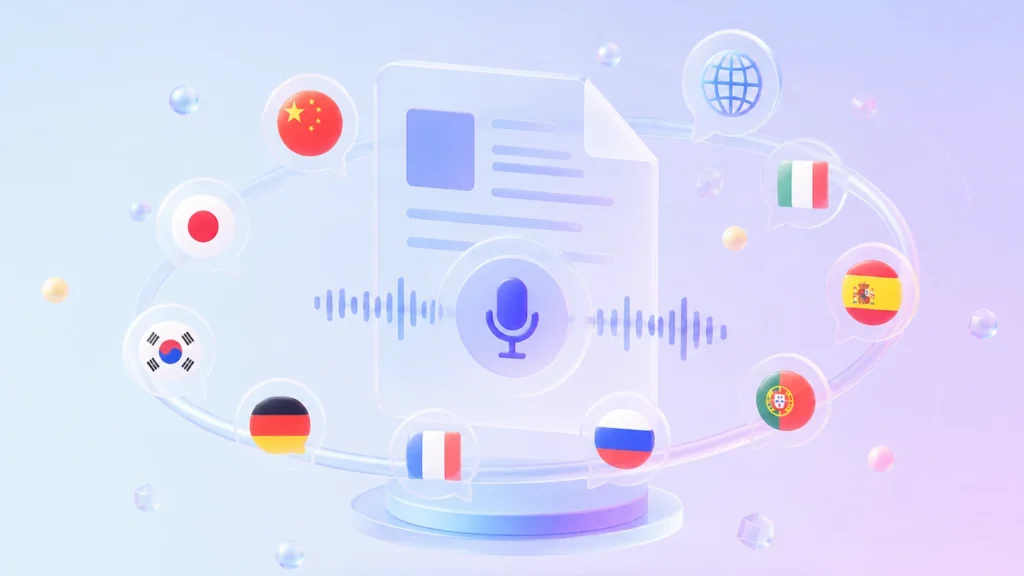
Support for 50+ Languages
Enjoy natural speech in English, Chinese, Japanese, Korean, German, French, Russian, Portuguese, Spanish, Italian, and beyond. This EPUB reader preserves native pronunciation and cultural nuance for all supported languages.
Quick & High-Fidelity Voice Cloning
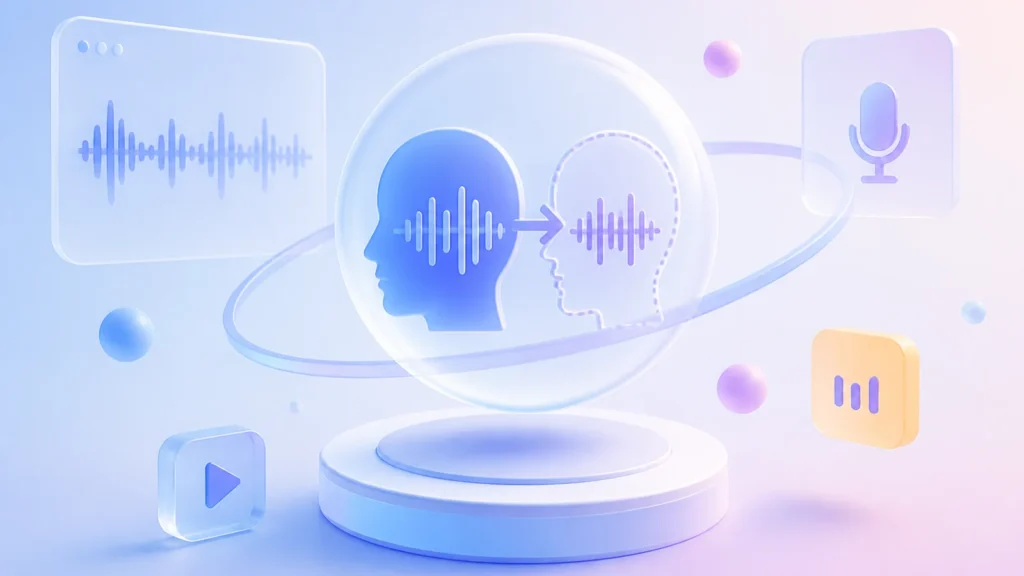
Build a bespoke TTS voice from a brief recording that captures your true vocal character. This custom model integrates smoothly with all text to speech workflows in TTSFree AI, so you can generate consistent narration, audiobooks, or video voiceovers in your own voice without having to re-record.
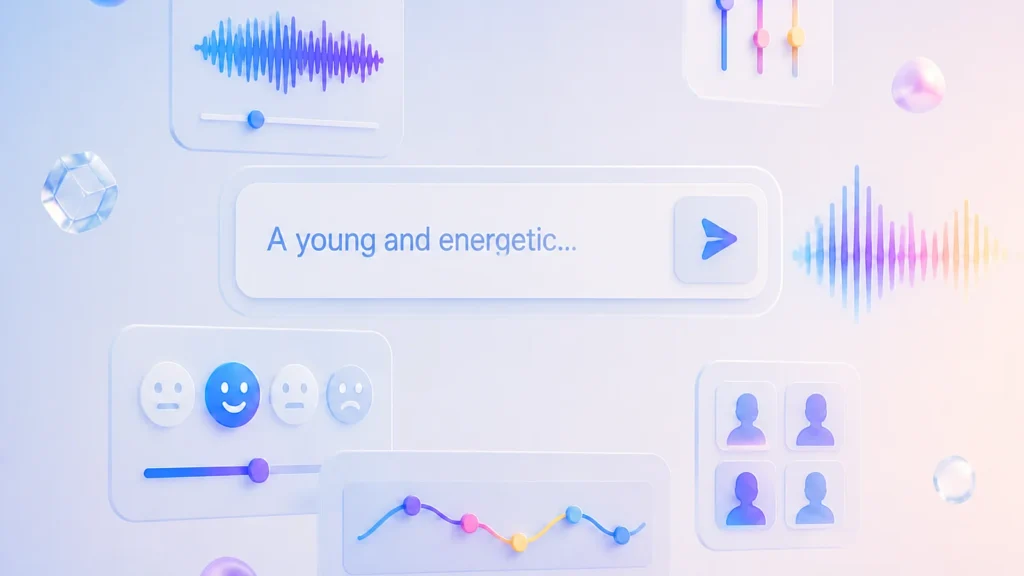
Custom AI Voices via Voice Design
Need a specific tone? With the Voice Design feature, you can create new AI voices or fine-tune existing ones. Easily customize your text to audiobook conversion by adjusting the emotion, pacing, and speaking style to perfectly match your vision.
Local EPUB to Audio Conversion: Secure, Private, and Instant
Keep your reading materials completely private. By processing everything locally on your device, our TTS engine ensures zero queues, instant playback, and absolute data security without needing to upload files to the cloud.
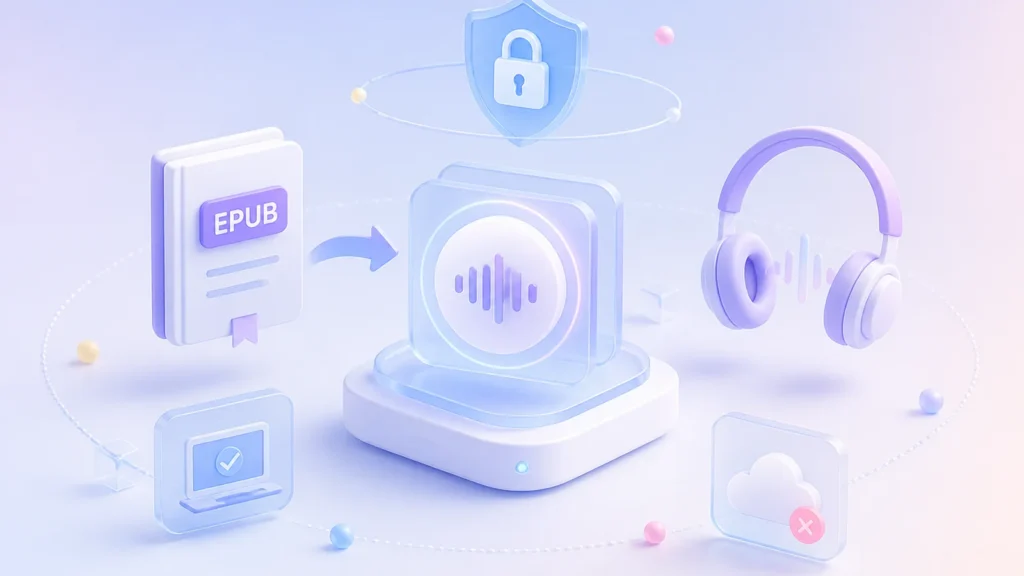

100% Offline & Privacy Protected
Your books never leave your computer. Enjoy a highly secure text to audiobook experience with end-to-end local processing, ensuring your personal library remains strictly confidential.

Instant Processing, Zero Queues
Say goodbye to waiting in server lines. Local conversion means you get immediate results for your text to voice tasks, no matter how large the file is or what time of day it is.
Secure Local File Storage
All generated MP3s are saved directly to your local drive. You have full control over your files, eliminating any risks associated with cloud storage or third-party servers.
Beyond EPUB to MP3: A Versatile Text-to-Audio Workspace
TTSFree AI is much more than a standard EPUB to MP3 converter. Whether you need to transform plain text to voice, or require high-fidelity audio formats for professional use, our versatile TTS engine has you covered.

Universal File Compatibility
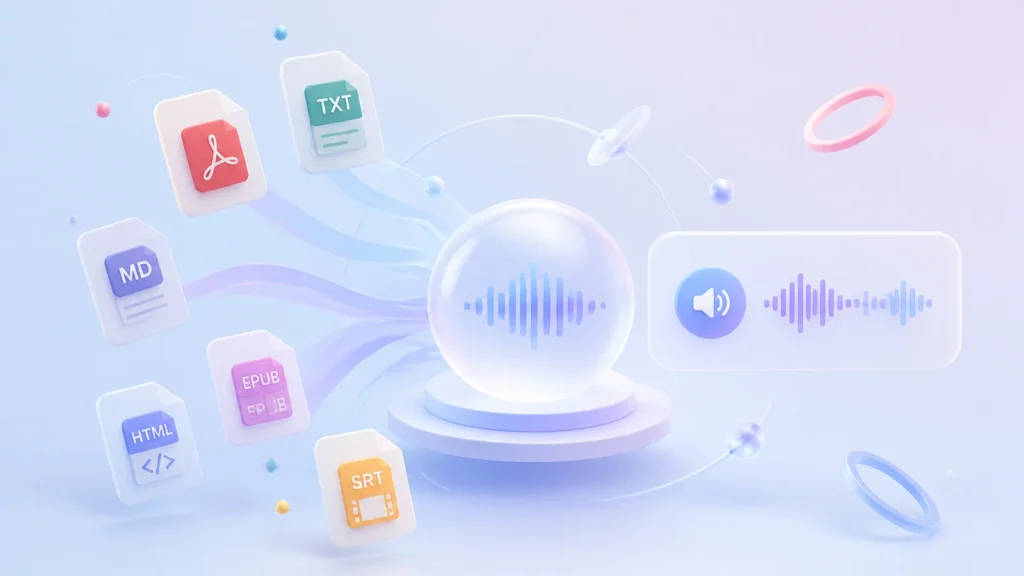
Don’t let file formats hold you back. Our powerful text to speech engine natively supports a wide variety of inputs beyond EPUBs, including PDFs, TXT, Markdown (MD), HTML, and even SRT subtitle files. Seamlessly turn almost any document into spoken word.

Premium Audio Output Formats
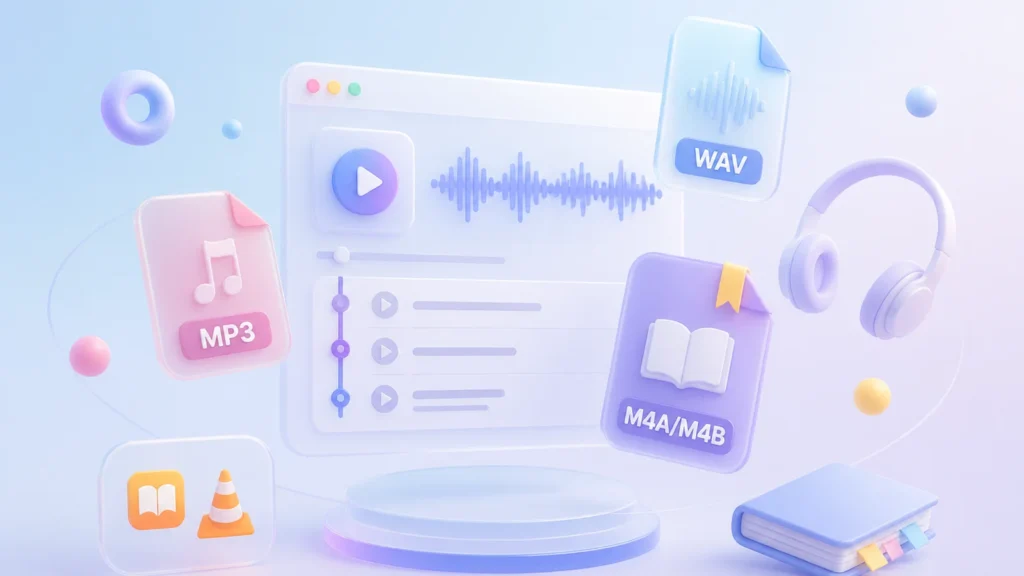
While MP3 is perfect for everyday listening, we know professionals and audiophiles demand lossless quality. That’s why our text to audio system also supports WAV export. Choose the format that best suits your playback needs.

Flexible TTS Engine Selection
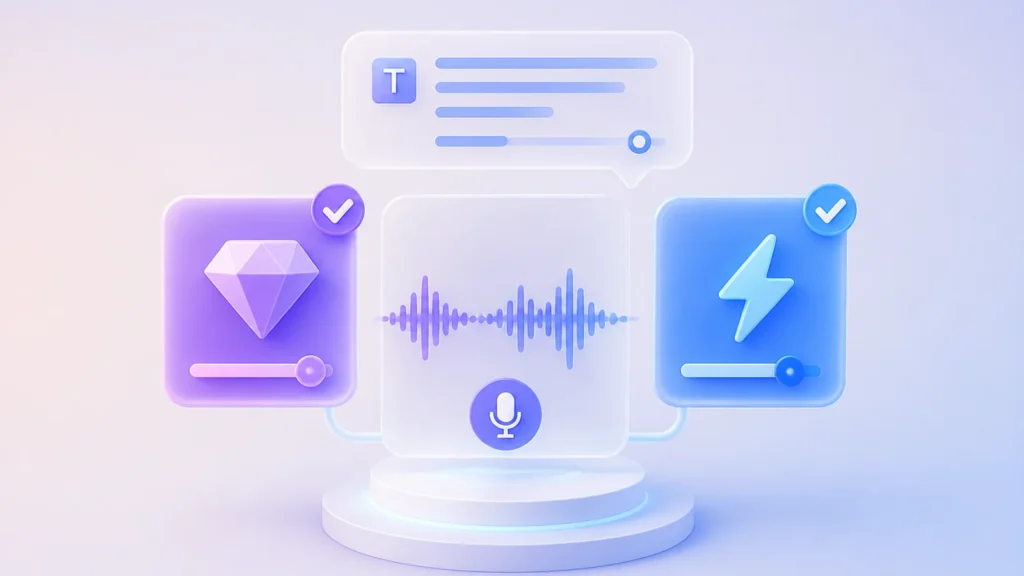
Take full charge of your text to voice workflow with our built-in dual engines. Choose the high-quality engine for premium sound, or select the lightweight option for faster processing. You have full control over the balance between audio quality and speed.
How to Convert EPUB to MP3 in 3 Simple Steps
Transforming your reading materials has never been easier. Follow these quick steps to turn any book into a high-quality audio file and start listening right away.
1
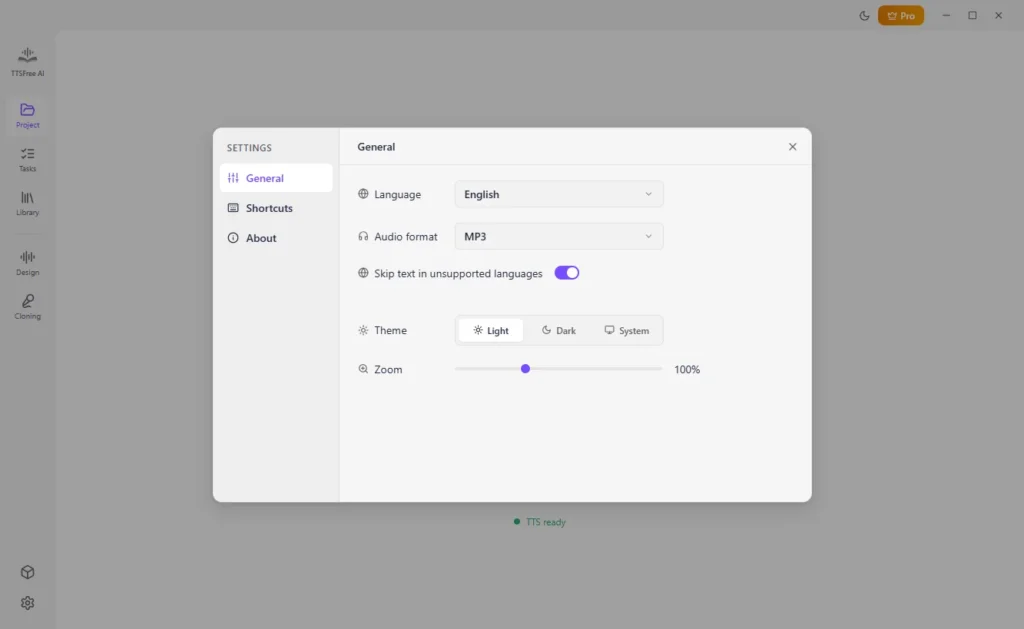
Set MP3 as the Output Format
Navigate to the Settings menu and choose MP3 as your target audio format.
2
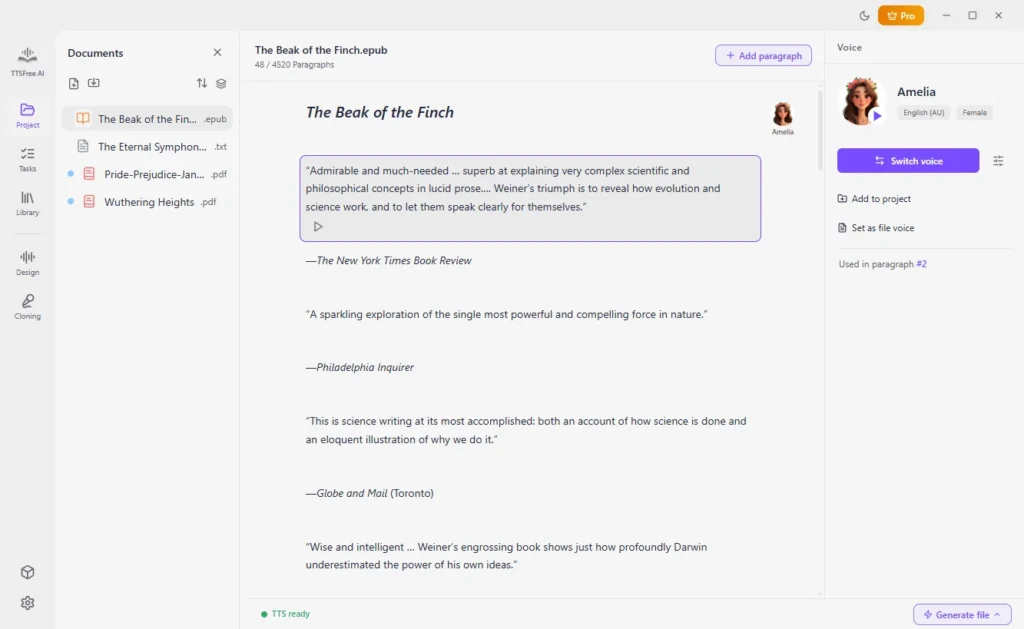
Import the EPUB File
Import the ebook you want to convert and select one or more AI voices for it. Whether you need a single narrator or multiple characters, our text to voice engine adapts perfectly to your story.
3
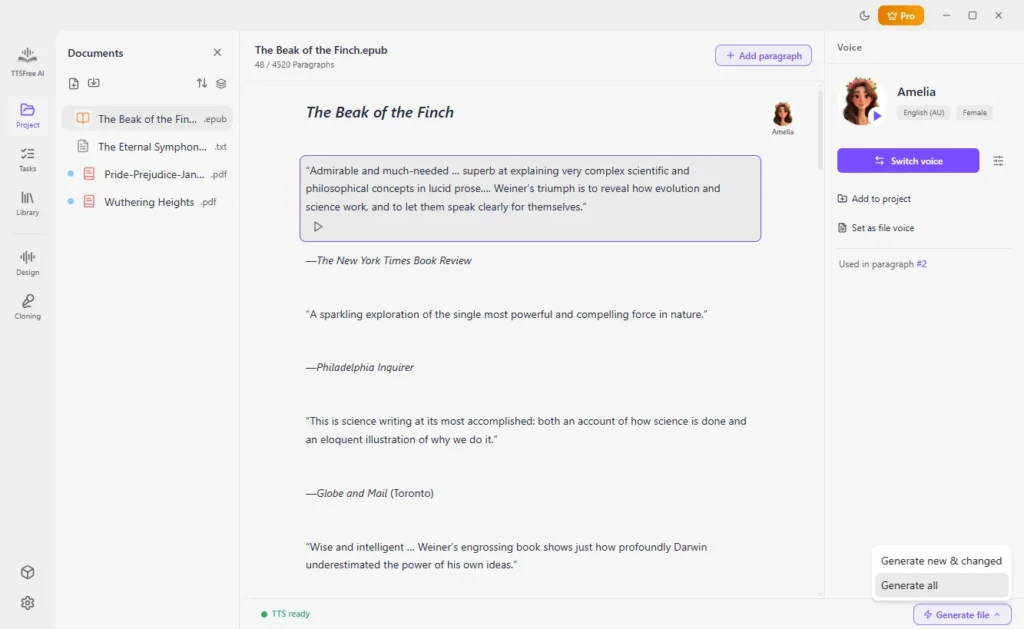
Start Converting
Simply click “Generate file” > “Generate all” to start turning your text into an immersive text to audiobook. Once finished, the audio files will be automatically saved directly to your local drive.
Frequently Asked Questions
Have questions about our text to speech converter? Find quick and clear answers below.
Is this EPUB to MP3 converter free to use?
Yes! We offer a fully unrestricted 14-day free trial so you can test every feature without limits.
How can I convert EPUB to audiobook with TTSFree AI?
It takes just three simple steps: set your output format in Settings, import your book and choose an AI voice, then click “Generate all”. Your text to audiobook will be created instantly and saved locally.
What file formats are supported besides EPUB?
Our versatile text to speech tool supports a wide range of inputs. You can easily convert PDFs, TXT, Markdown (MD), HTML, SRT, VTT, ASS, LRC, and plain text into high-quality audio.
Where do the generated audio files go after conversion?
No manual downloads are needed. All generated audio files are automatically saved directly into the specific project folder on your local drive, keeping your workspace perfectly organized.
Will the changes I make inside the app affect the original EPUB file?
Absolutely not. Your privacy and data integrity are our top priorities. We only read your source files for conversion and will never edit, modify, or overwrite your original EPUB documents.