

TTSFree AI
Free Text to Speech MP3 Converter with 214 Natural AI Voices
Convert your TXTs, PDFs, EPUBs + more to MP3 in bulk
14-Day Full Access
Available for Windows & macOS
No Credit Card Required
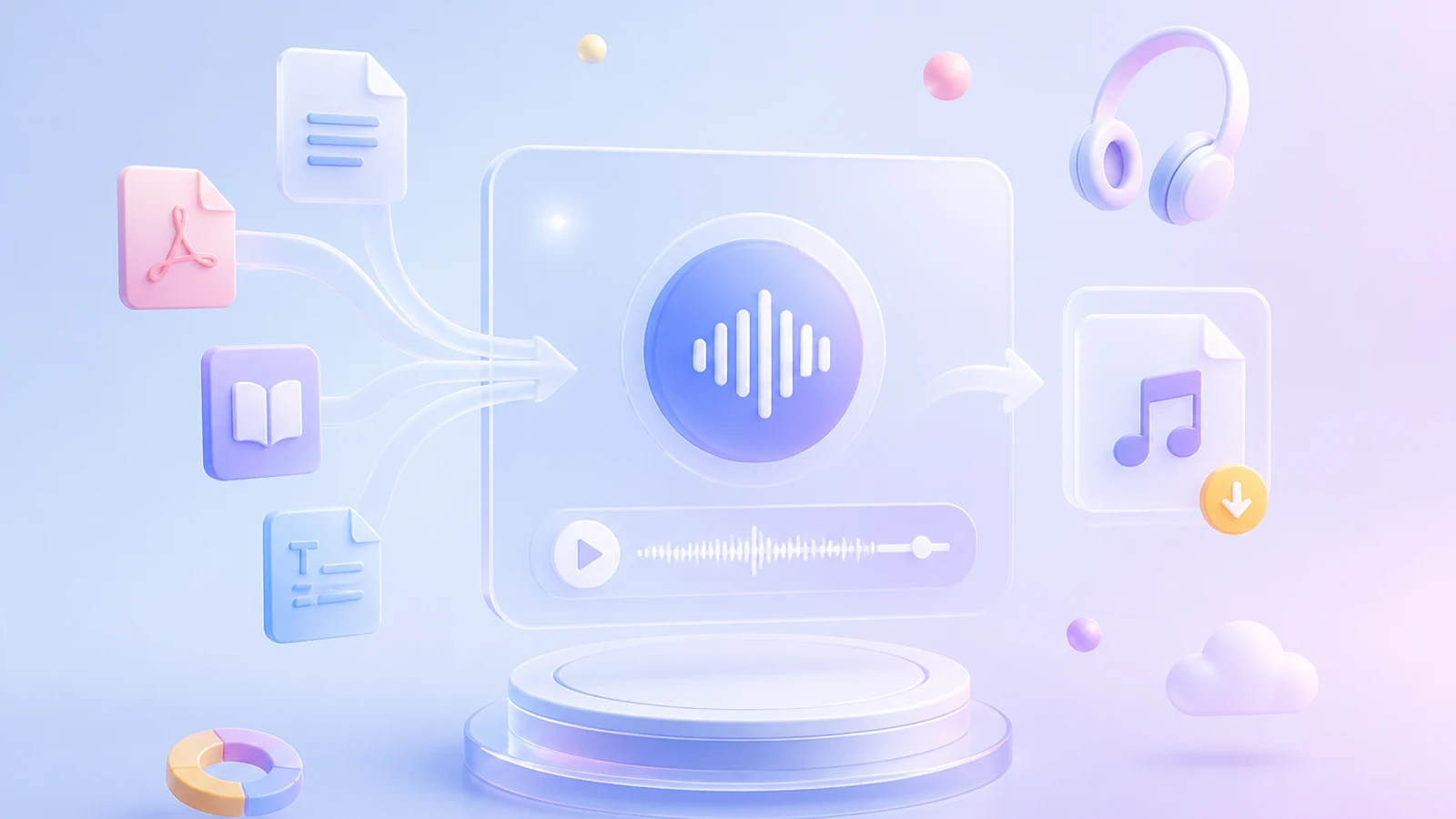
Turn Any Document into Audio, Not Just Text
Whether you input plain text or import documents like PDFs, EPUBs, and TXTs, TTSFree AI handles them all. Use this converter to turn any supported file into MP3 with ease.


EPUB

TXT

MD

HTML

SRT

ASS

VTT

LRC

DOCX

PPTX

Script
Convert Text to MP3 with Any Voice, Not Just Built-in Ones
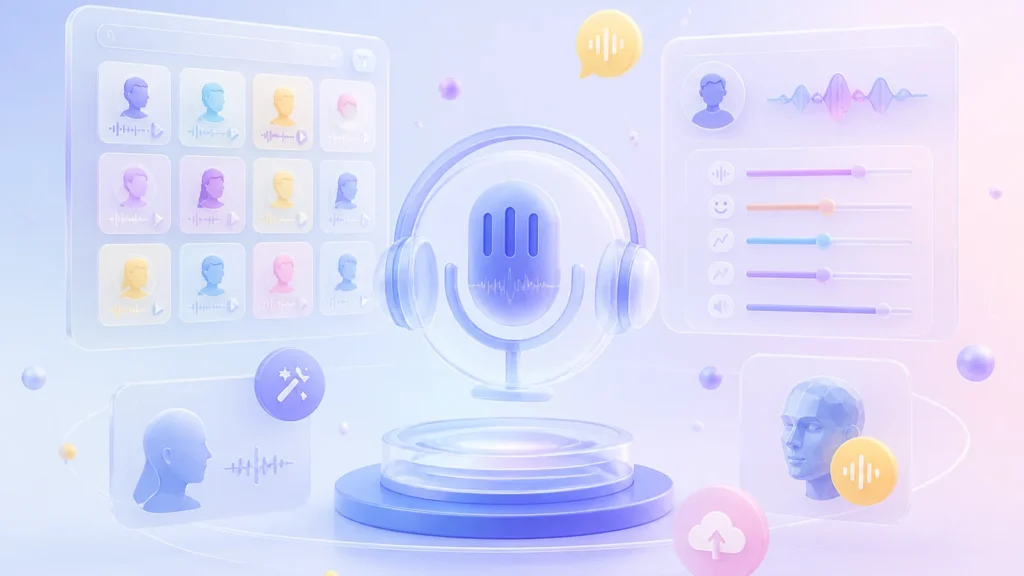
Whether you choose from 214 built-in voices or create your own with Voice Design, TTSFree AI gives you full control. Pick a ready-to-use voice in seconds, or design a custom one that matches your exact tone and style.

200+ Natural AI Voices
Browse a library of 200+ natural AI voices built directly into TTSFree AI. Each voice is optimized for clear, lifelike text to audio output across multiple languages and accents. Whether you need a warm narrator or a professional presenter, you can generate high-quality text to speech MP3 files instantly without any extra setup.
Support for 50+ Languages
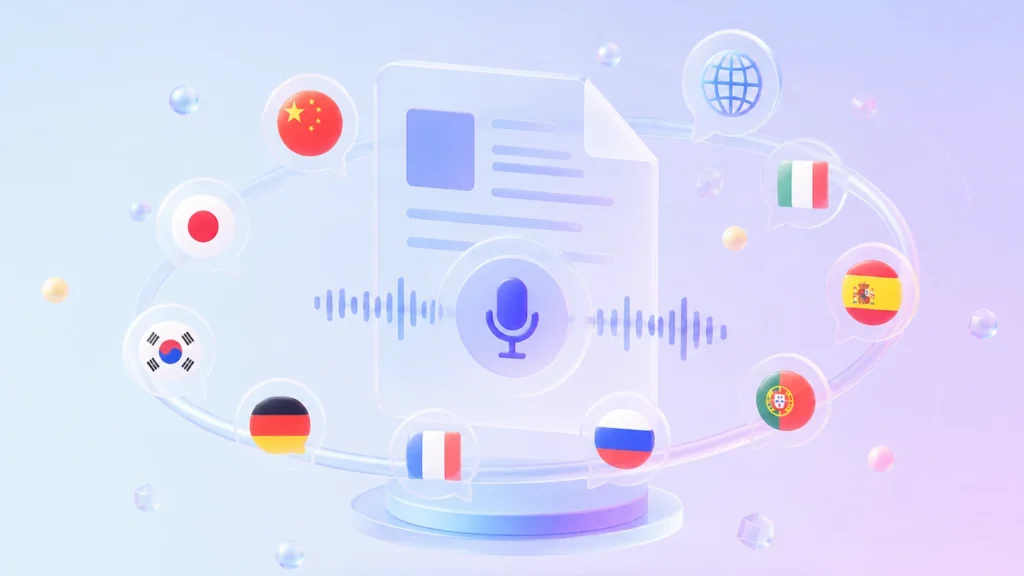
Experience lifelike speech in English, Chinese, Japanese, Korean, German, French, Russian, Portuguese, Spanish, Italian, and beyond. This text to audio converter delivers native pronunciation and cultural accuracy across every supported language.
Rapid High-Quality Voice Cloning
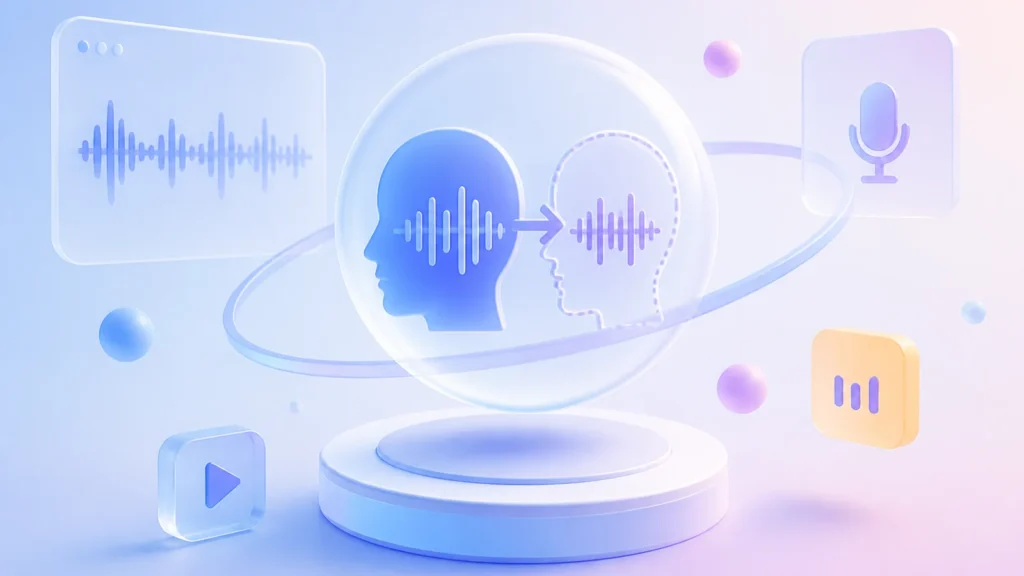
Create a personalized TTS voice from a short audio clip that authentically captures your natural speaking style. This custom model works across all text to speech features in TTSFree AI, letting you produce narrations, audiobooks, and video voiceovers in your own voice without extra recording sessions.
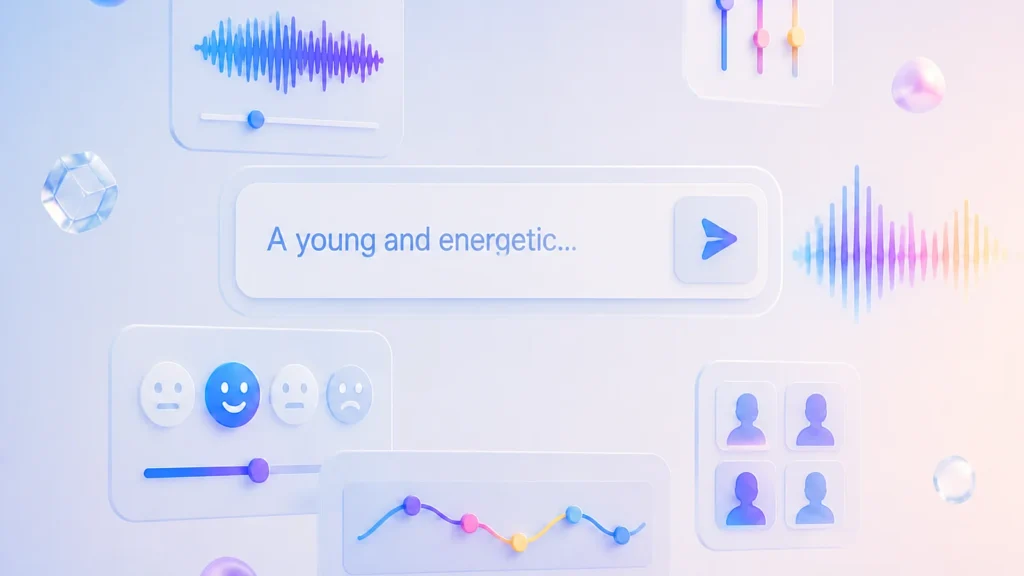
Custom Your Own AI Voices
Use Voice Design to create an AI voice that matches your exact tone and style. You can use prompts to generate a brand-new voice from scratch or modify existing voices to fit your needs. Once designed, your custom voice is ready to produce personalized text to speech MP3 files for any of your projects.
Choose the Text to Speech Mode That Fits Your Needs
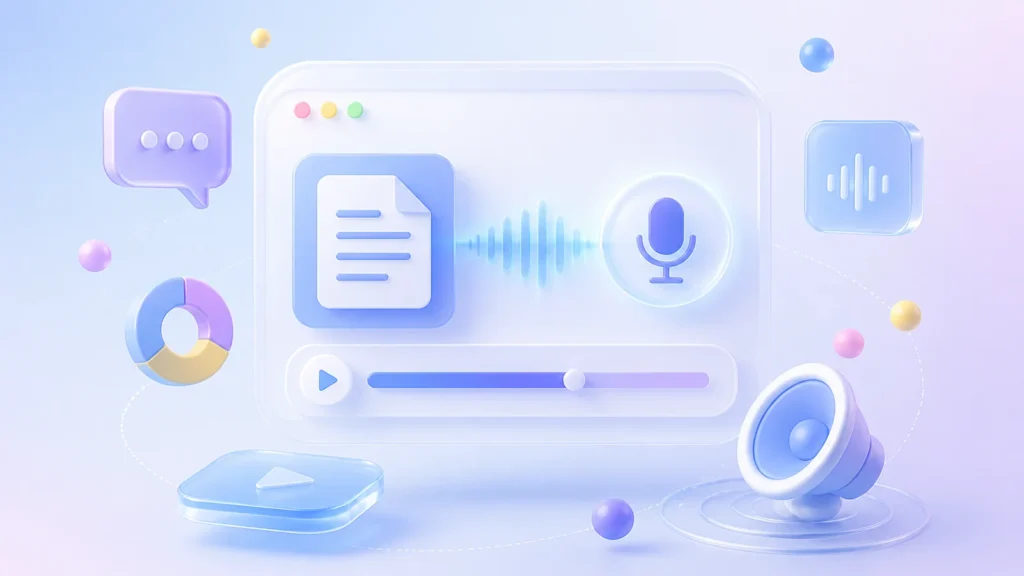
Standard Mode: Fast Text to Audio Conversion
Paste your content and generate a polished text to speech MP3 in seconds. Standard mode is built for straightforward projects like articles, announcements, or solo narrations where one consistent voice carries the entire piece. It applies optimized pacing and pronunciation automatically, so you get broadcast-ready audio with zero manual tuning.
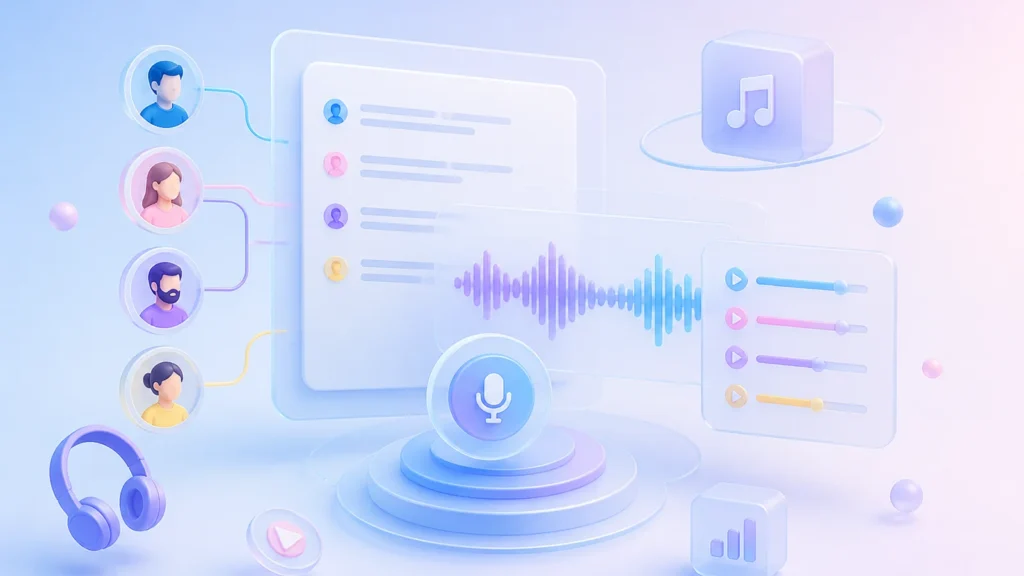
Script Mode: Multi-Character Text to Voice Narration
Our text to MP3 converter automatically detect different speakers in your scripts, then you can assign distinct voices to each character. Script mode turns dialogues, podcasts, and audiobooks into dynamic MP3 files that sound like real conversations. Every character keeps its unique tone throughout the project, making complex narratives as easy to produce as single-voice clips.
Local TTS with Bulk Conversion Support
Run text to speech conversion entirely on your device with no internet connection or cloud uploads required. Batch process multiple documents at once to generate MP3 files without waiting for queue times or hitting API limits. Your content never leaves your local machine, making it ideal for sensitive materials and high-volume offline production.

· Complete Privacy & Security

· Zero Queue Times
· No Character or File Limits
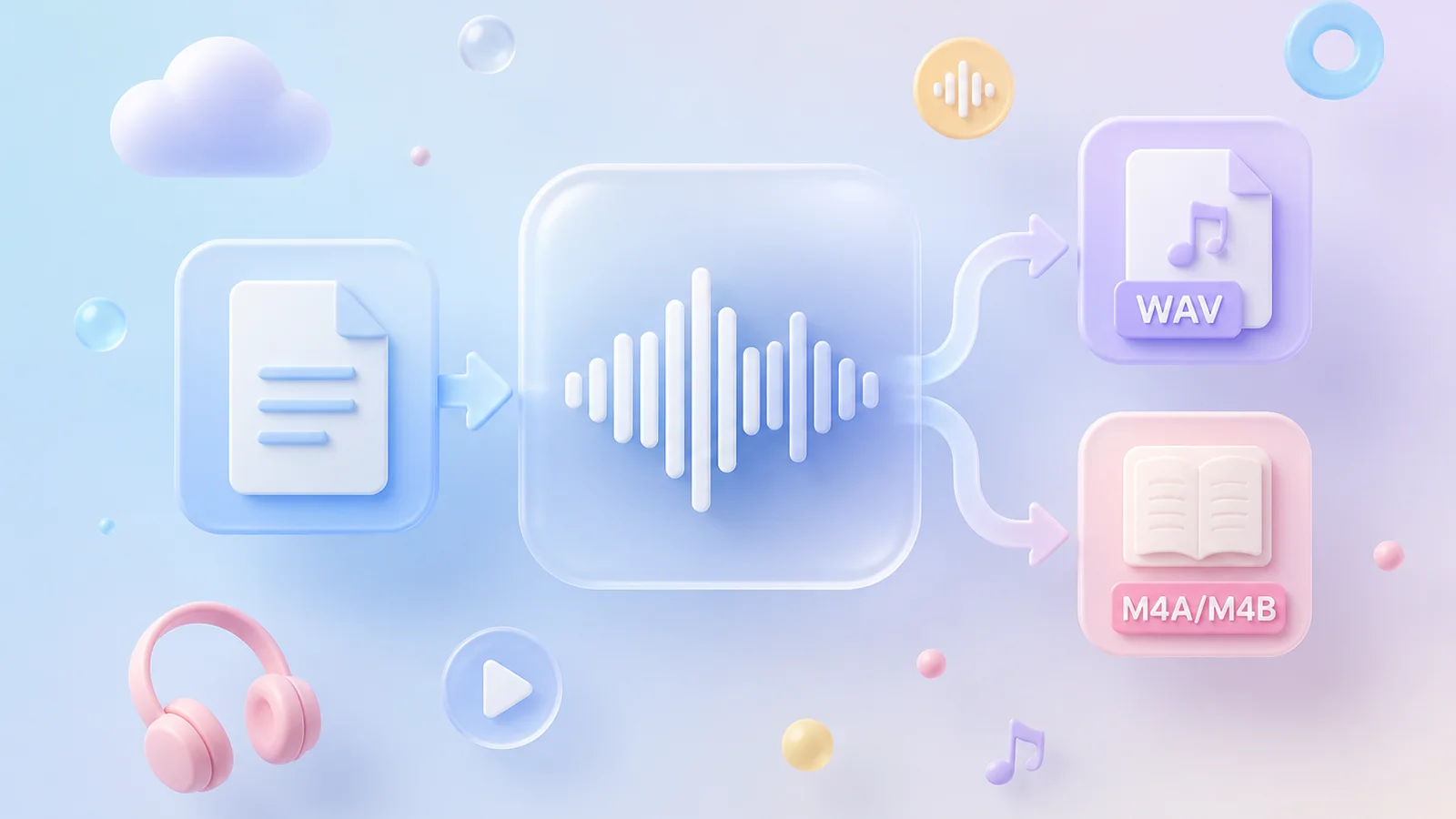
Beyond Text to MP3: Lossless WAV Audio Export
Export studio-grade WAV files alongside standard MP3s to preserve full dynamic range and eliminate compression artifacts in your final output. This lossless audio format ensures seamless compatibility with professional DAWs, broadcasting systems, and archival workflows that demand uncompressed fidelity.
Turn Text to Voice on Various Devices
Run the full text to speech engine natively on Windows and macOS even without dedicated GPUs or high-end hardware.

Hardware Compatibility

Processors (CPU): Intel and Apple Silicon processors
Graphics(GPU) — NVIDA, AMD, and Intel discrete GPUs

Operating Systems
Windows — Windows 10 and later
macOS — macOS 13.0 and later
3 Steps to Convert Text to Speech in MP3
Follow these three simple steps to convert your documents into high-quality MP3 audio files without any technical setup.
1
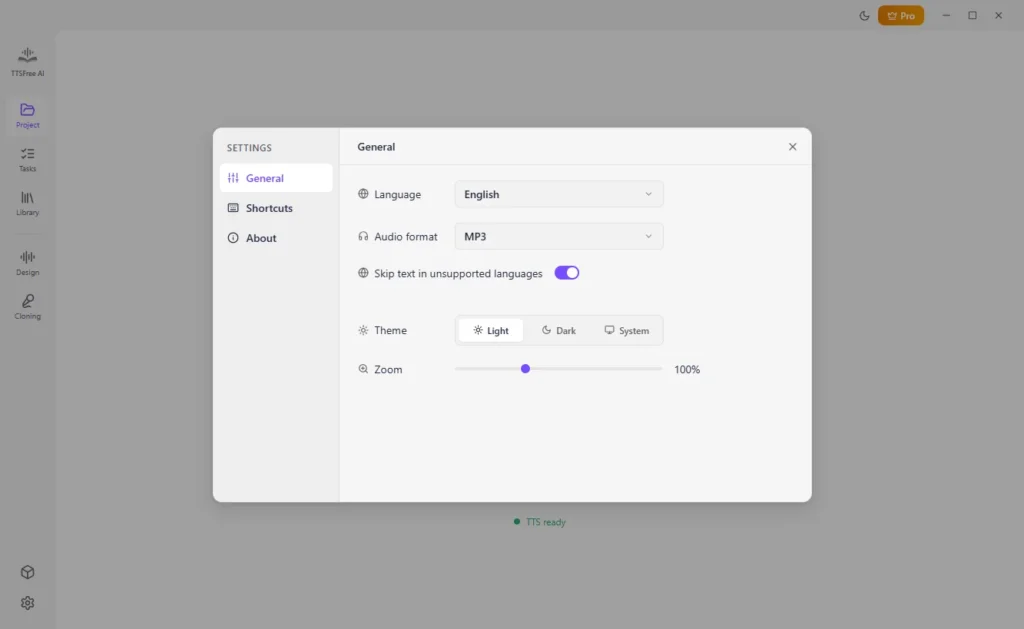
Set Output Format
Make sure MP3 is set as the Audio format in Settings.
2
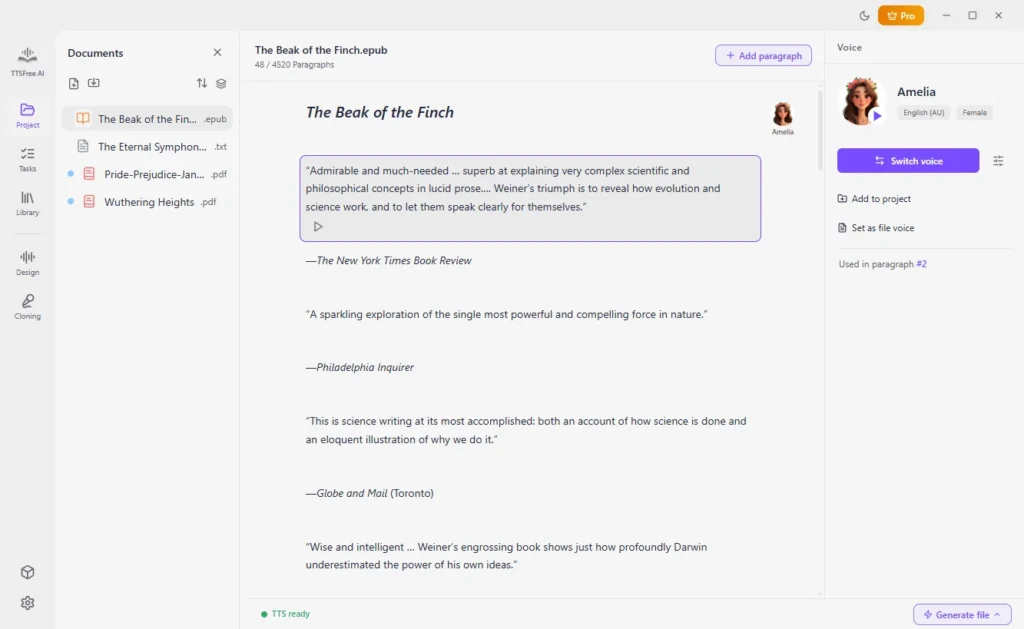
Import Source File
Open a project and choose or import the file you’d like to convert.
3
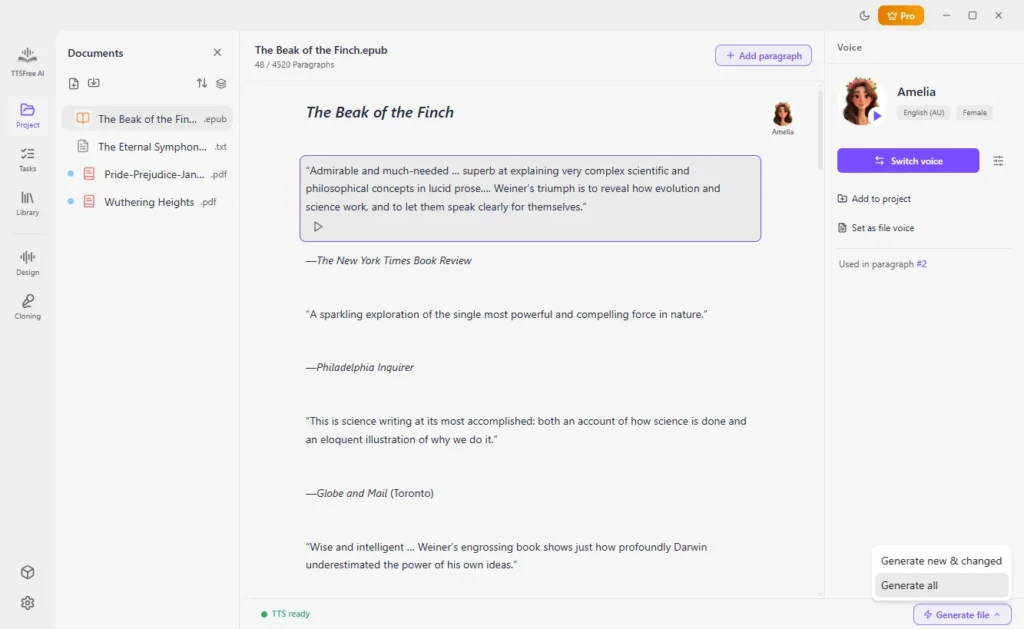
Generate Audio
Select one or more AI voices for your file and click Generate file > Generate all to start converting text to MP3.
Text to MP3 Converter FAQ: Common Questions Answered
Find quick answers to the most frequently asked questions about converting text to speech.
Is this text to MP3 converter free?
We offer a full-featured 14-day unlimited free trial with no restrictions on file count, audio length, or voice selection. After the trial period, you can choose from flexible pricing plans to continue using all AI voices and batch conversion features without interruption.
How to convert text to speech in MP3 with natural voices?
Select any of the built-in AI voices from the voice library before generating your audio file. These voices use advanced deep learning models to replicate human intonation, pacing, and emotion, delivering studio-quality MP3 output that sounds indistinguishable from a real narrator. You can also use the Voice Design feature to create brand new AI voices. All are natural and realistic.
Can I convert multiple documents to MP3 at once?
Absolutely. The built-in batch processing engine allows you to import dozens of files simultaneously and convert them all to MP3 in a single click. Conversion runs locally on your device, so there are no upload size limits or cloud processing delays regardless of how many files you add.
What types of files can be converted to MP3 audio?
The converter supports all major document formats including TXT, PDF, DOCX, EPUB, and Markdown. You can also paste raw text directly into the editor, making it easy to turn articles, emails, or notes into listenable MP3 files without reformatting.
Do I need an internet connection to generate MP3 files?
No. All text to speech processing happens entirely on your local machine after initial setup. Once the voice models are downloaded, you can convert text to MP3 offline with zero data usage, ensuring complete privacy for sensitive documents and uninterrupted workflow anywhere.