

TTSFree AI
Natural AI Voices & Instant Voice Clone/Design

TTSFree AI: Free & Unlimited Text to Speech App for Mac
Convert PDFs, EPUBs, TXTs, and more to audio in MP3 or WAV
14-Day Full Access
macOS 13 and later
No Credit Card Required
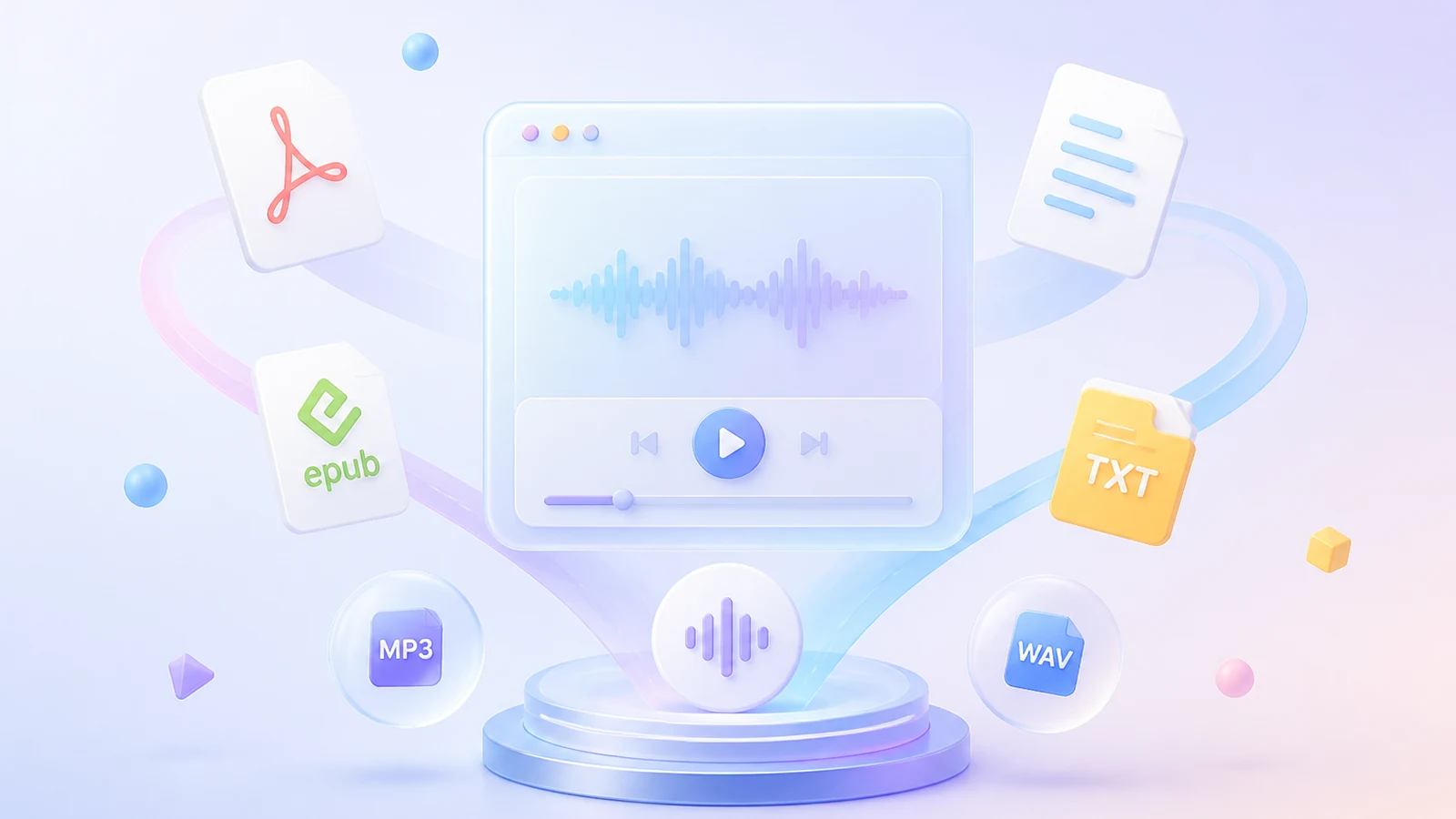
Generate Natural Speech from Your Text or Imported Files
Paste articles, edit paragraphs, or import PDFs, EPUBs, and TXT files directly into the app. Our text to audio app then generates natural-sounding audio in bulk with no character limits.
DOCX
PPTX
MD
SRT
RTF
VTT
ASS

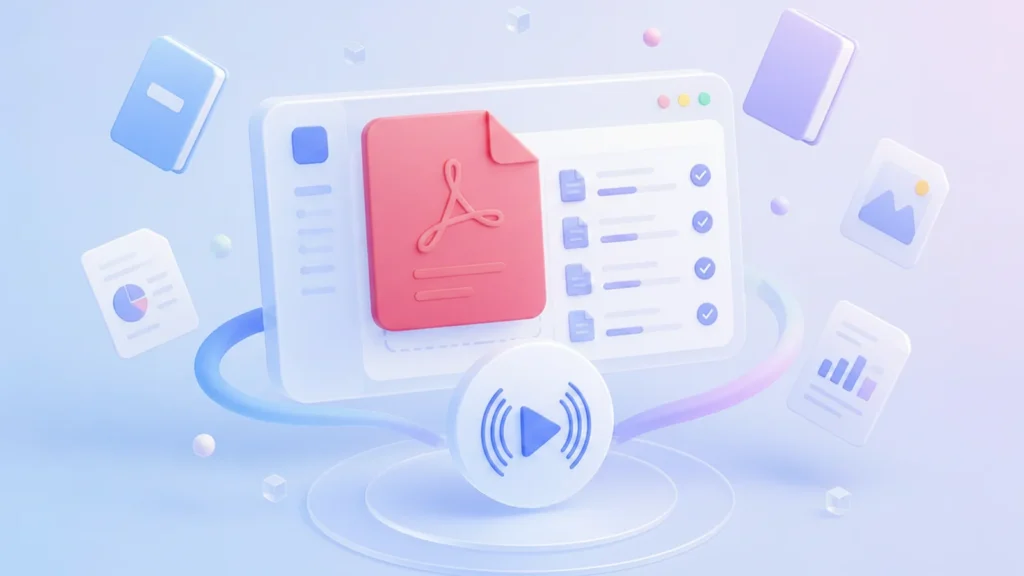
PDF to Audio
Import PDF files directly into the app and generate natural-sounding audio in bulk. Convert textbooks, reports, and documents without manual copying or formatting adjustments.

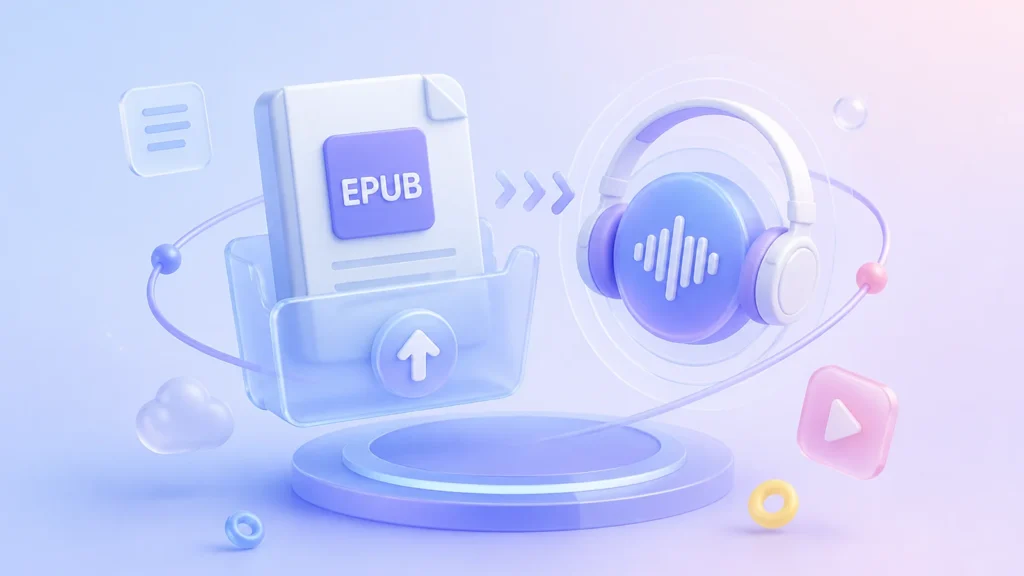
EPUB to Speech
Upload EPUB ebooks and turn them into speech with full content retention.
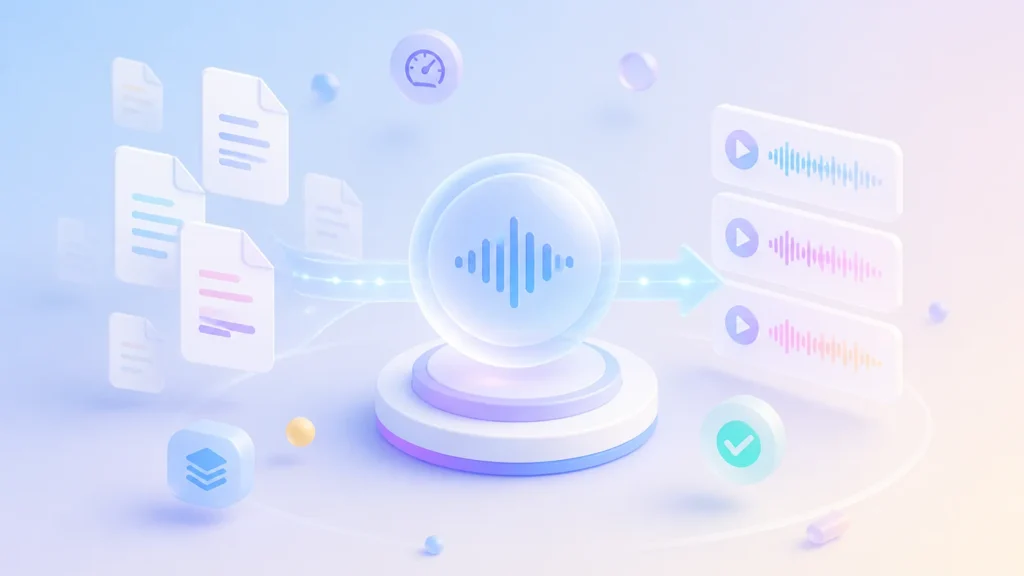
TXT to Speech
Turn plain text files into natural-sounding audio with zero formatting overhead. Process scripts, notes, and articles in bulk efficiently.
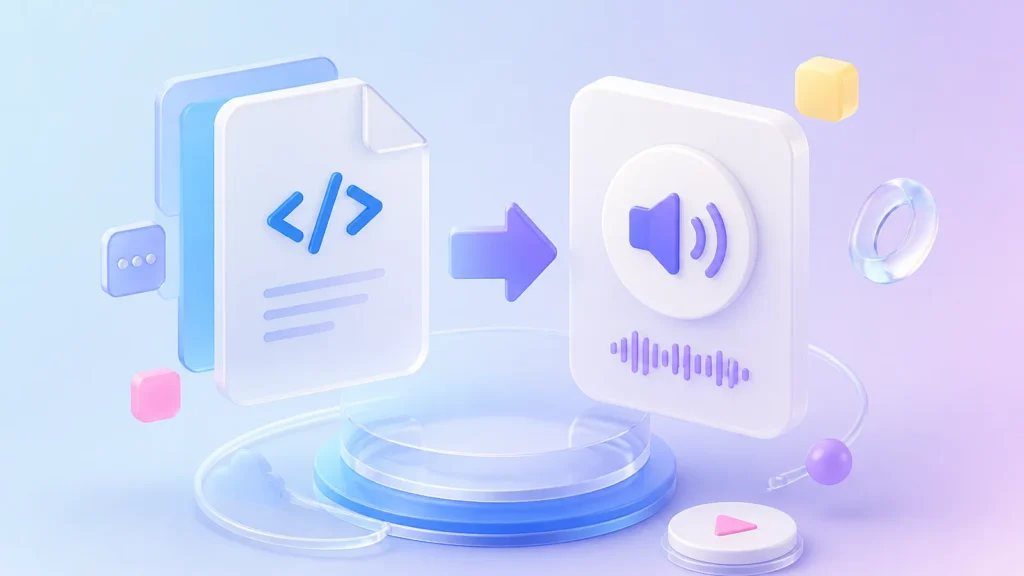
HTML to MP3
Import HTML files to generate MP3 audio for universal playback compatibility.
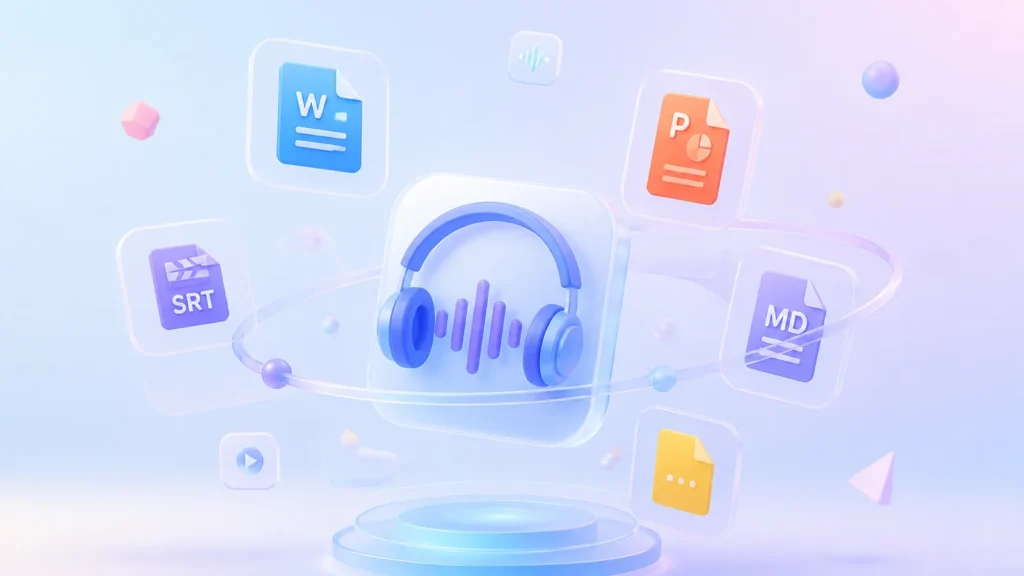
More Supported Formats
With broad format support, our TTS app also helps you convert DOCX, PPTX, SRT, MD, and more to speech on your Mac.
Choose from Any of the 214 Built-in AI Voices or Create Your Own
Pick any of the ready-to-use AI voices or make your own AI voice for text to audio project.
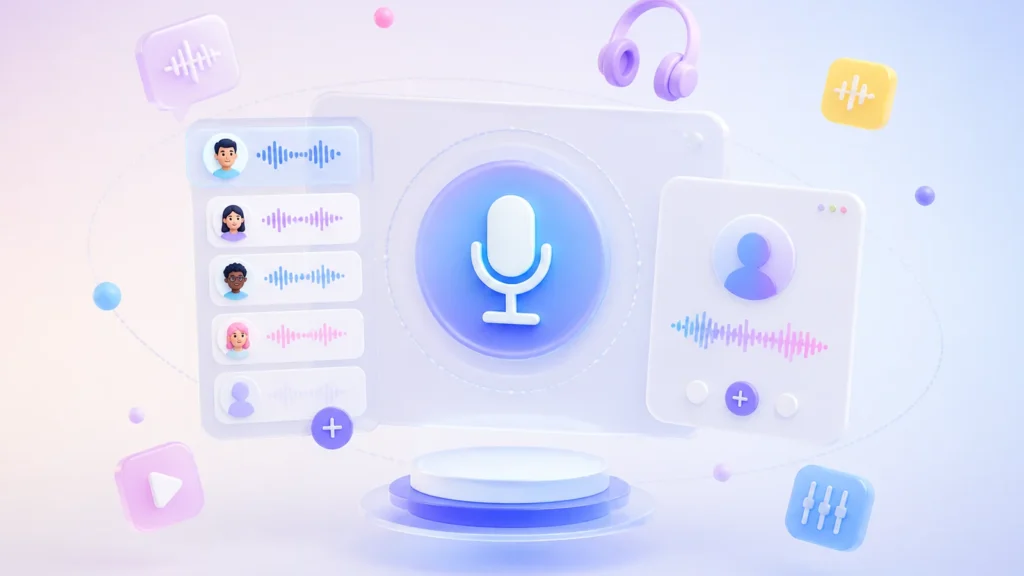

Explore 214 Built-in Realistic AI Voices
Use 214 realistic AI voices for TTS on your Mac to easily make podcasts, audiobooks, or accessibility content.
Flexible Voice Cloning & Voice Design
Clone your own voice to create a high-fidelity digital replica for consistent narration. You can also use Voice Design prompts to generate new AI voices or fine-tune existing ones to better fit your text to voice projects.

Access 50+ Languages with Native Accents
Get native-sounding TTS in different languages—including English, Spanish, French, German, Japanese, Korean, Mandarin, Portuguese, Italian, and more—for global accessibility.
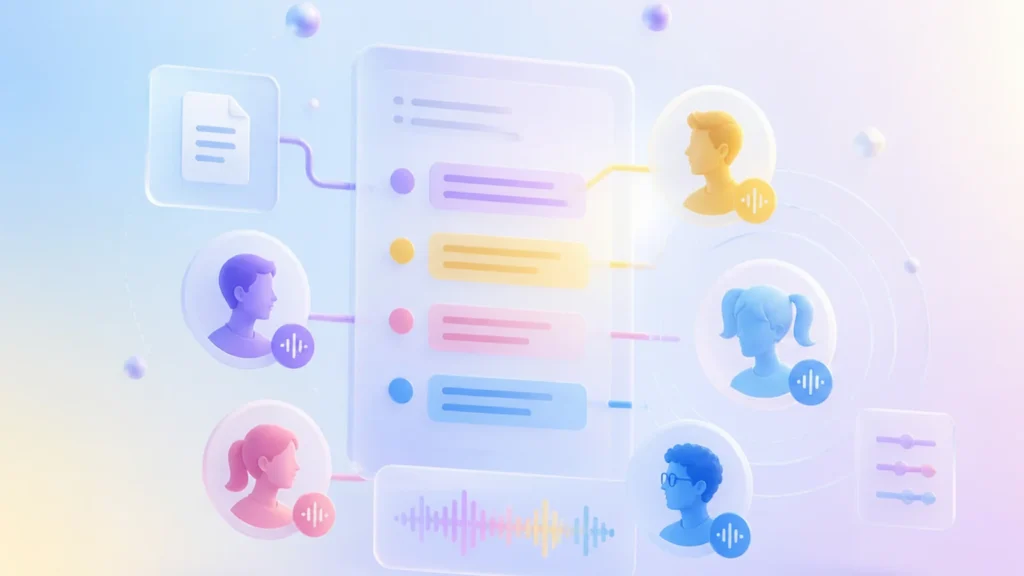
Auto-Parse Scripts for Multi-Character Narration
Automatically detect speakers in your scripts and then you can assign unique voices to different characters to generate natural dialogue.
Convert Text to Speech Offline on Mac with No Limits
Generate unlimited audio locally without internet, API fees, or text length caps. Your content never leaves your device, ensuring complete privacy and uninterrupted workflow for books, scripts, and accessibility projects of any size.

Offline TTS

Zero Internet Dependency
Complete Data Privacy
No Character or File Quantity Limits

Unlimited Conversion

Zero Usage Fees & Quotas
Unrestricted Format & Voice Access
No Server Queues
Export Text to MP3 or WAV According to Your Preferences
Export your generated audio in either MP3 or WAV format to match your specific publishing or production requirements.

Text to MP3
Generate compressed MP3 audio optimized for web embedding, podcast distribution, and mobile playback, delivering clear sound quality with efficient file sizes for everyday use.

Text to WAV
Produce uncompressed WAV files that preserve full dynamic range and frequency response, ideal for professional mastering, video post-production, or archival purposes where lossless fidelity is required.
Select the TTS Model Best Suited to Your Needs
Our Mac text-to-speech app includes two advanced TTS models, each excelling in semantic understanding, emotional expression, and multilingual mixing. Choose the version that best aligns with your hardware capabilities and quality requirements.

HIGH-QUALITY
QWen3-TTS 1.7B
Delivers premium speech quality with natural prosody and nuanced intonation. Best for professional voiceovers, long-form narration, or any project where audio fidelity is the top priority; requires higher VRAM/GPU resources.

LIGHTWEIGHT
QWen3-TTS 0.6B
Provides excellent speech quality with minimal hardware overhead. Ideal for real-time generation, edge devices, or systems with limited GPU memory; network connectivity is optional.
Technical Specifications
Everything you need to know about running TTSFree AI on your Mac.

Hardware Compatibility
·Processors (CPU): Intel and Apple Silicon processors
·Graphics (GPU): Integrated GPU via Metal (Apple Silicon or Intel Iris Graphics)

Operating Systems
·macOS 13 (Ventura) or later
How to Do Text to Speech on Mac
Get started in three simple steps. No complex setup needed.
1
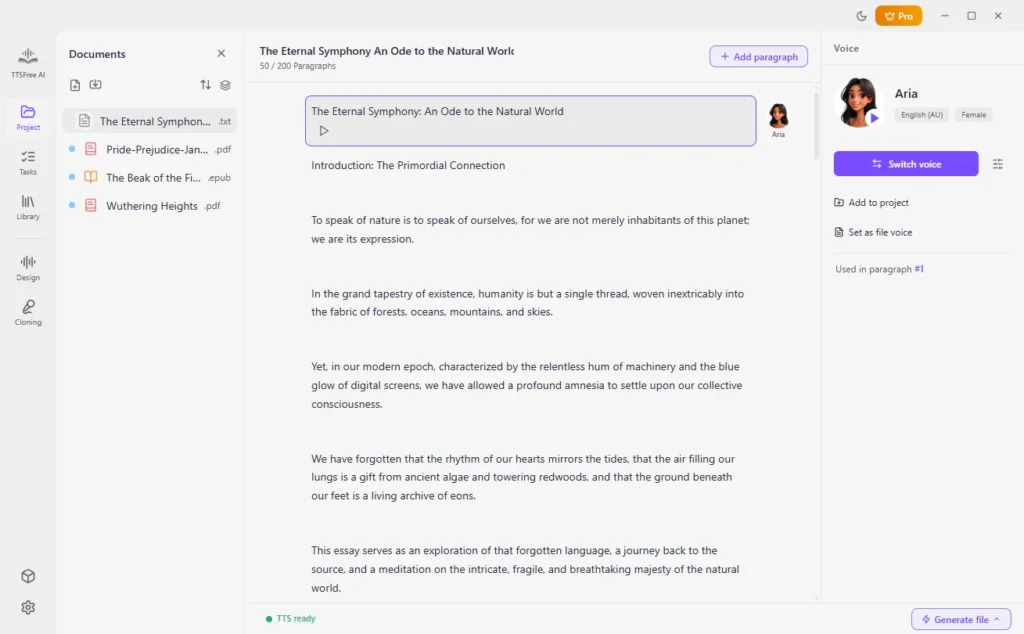
Input or Import Your Text
Paste text directly into the editor, or import a supported document file.
2
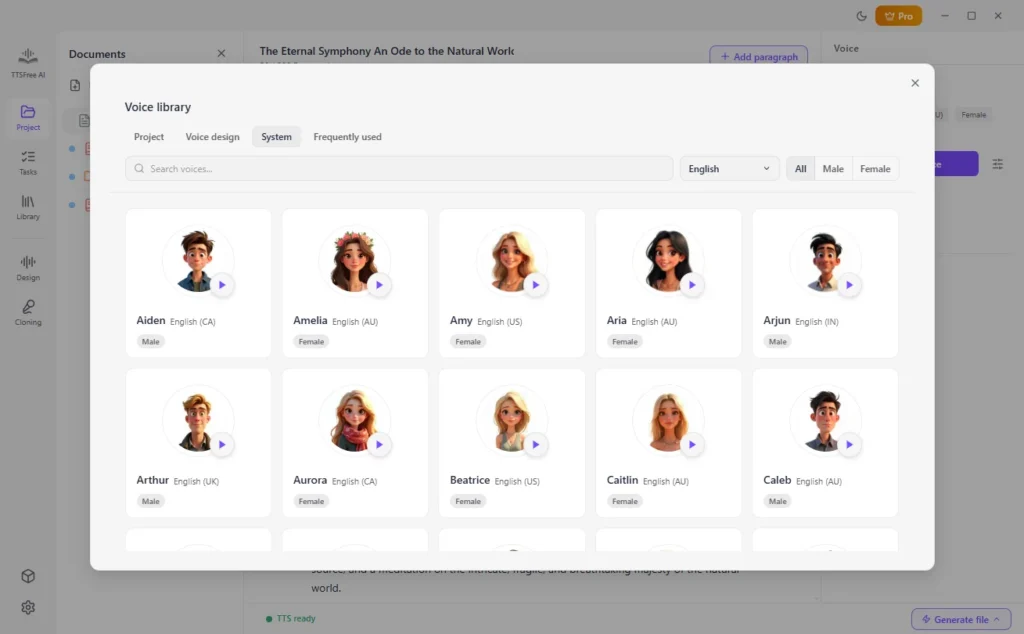
Select AI Voice
Choose one or more AI voices for your audio generation.
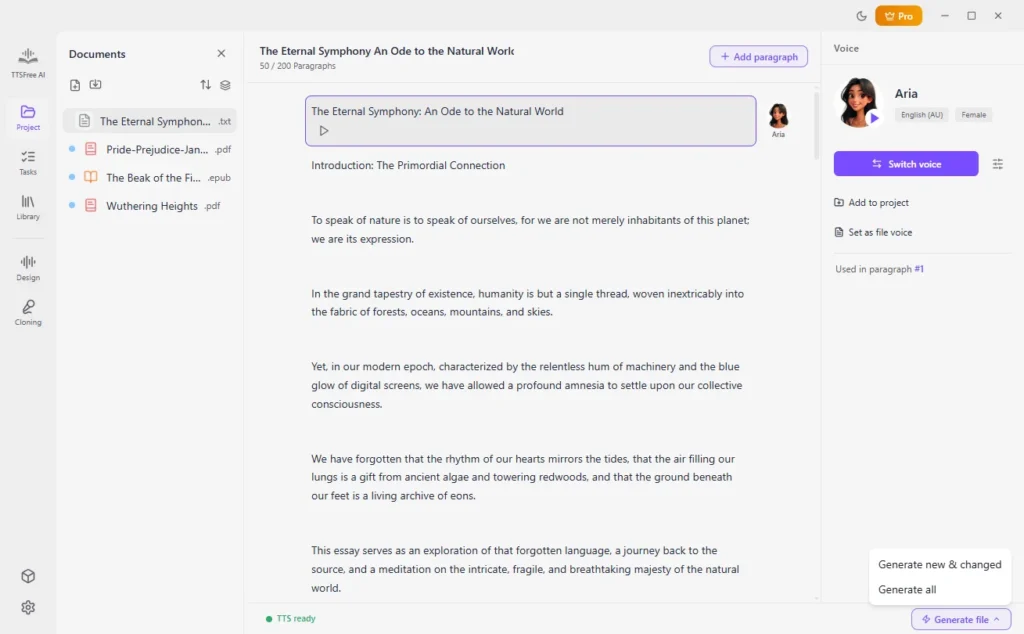
3
Generate Speech from Text
Click the Generate button under a specific paragraph, or go to Generate file > Generate all to convert the entire document to audio.
Frequently Asked Questions
Everything you need to know about using TTSFree AI on Mac.
Is TTSFree AI free to use on Mac?
TTSFree AI offers a full-featured 14-day free trial for Mac users, with no restrictions on voices, models, or export formats during the trial period. After the trial, you can choose a pricing plan that fits your needs.
Can I convert text to audio on Mac without an internet connection?
Yes. After the initial resource download, all speech synthesis runs 100% locally on your Mac. No cloud processing is involved, ensuring full privacy and zero latency.
What AI voices and languages are supported?
The app includes 200+ built-in voices across 50+ languages, including English, Chinese, Japanese, Korean, German, French, Russian, Portuguese, Spanish, Italian, and more. All voices and languages are fully accessible.
Will it work on my older Intel Mac?
Yes. The app is a universal binary optimized for both Apple Silicon (M1–M4) and Intel-based Macs running macOS 13 Ventura or later.